PrestaShop form builder - fields and conditional logic
Create forms tailored to customer enquiries. Arrange fields by drag and drop and show them based on earlier answers.
Available languages:
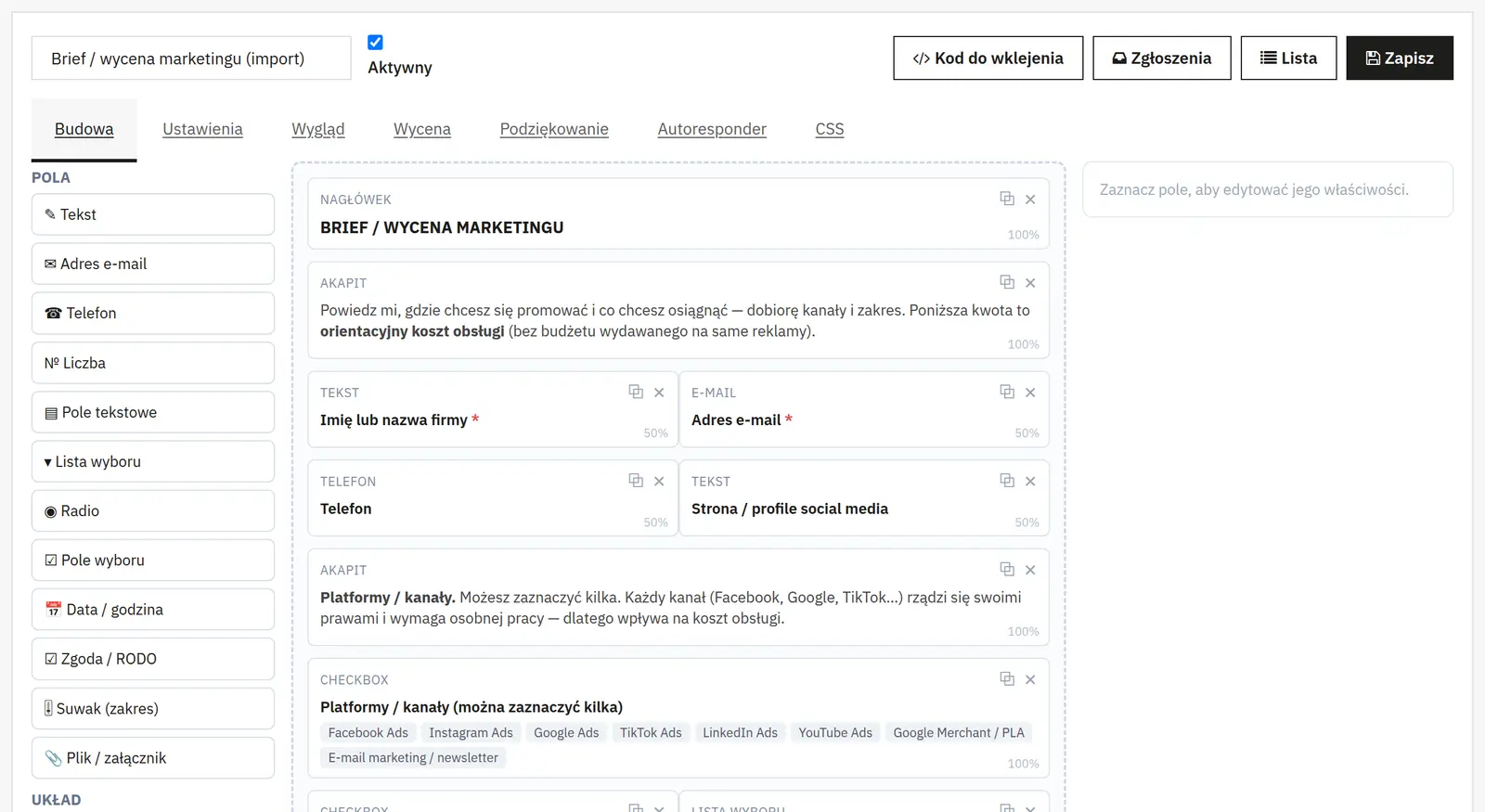
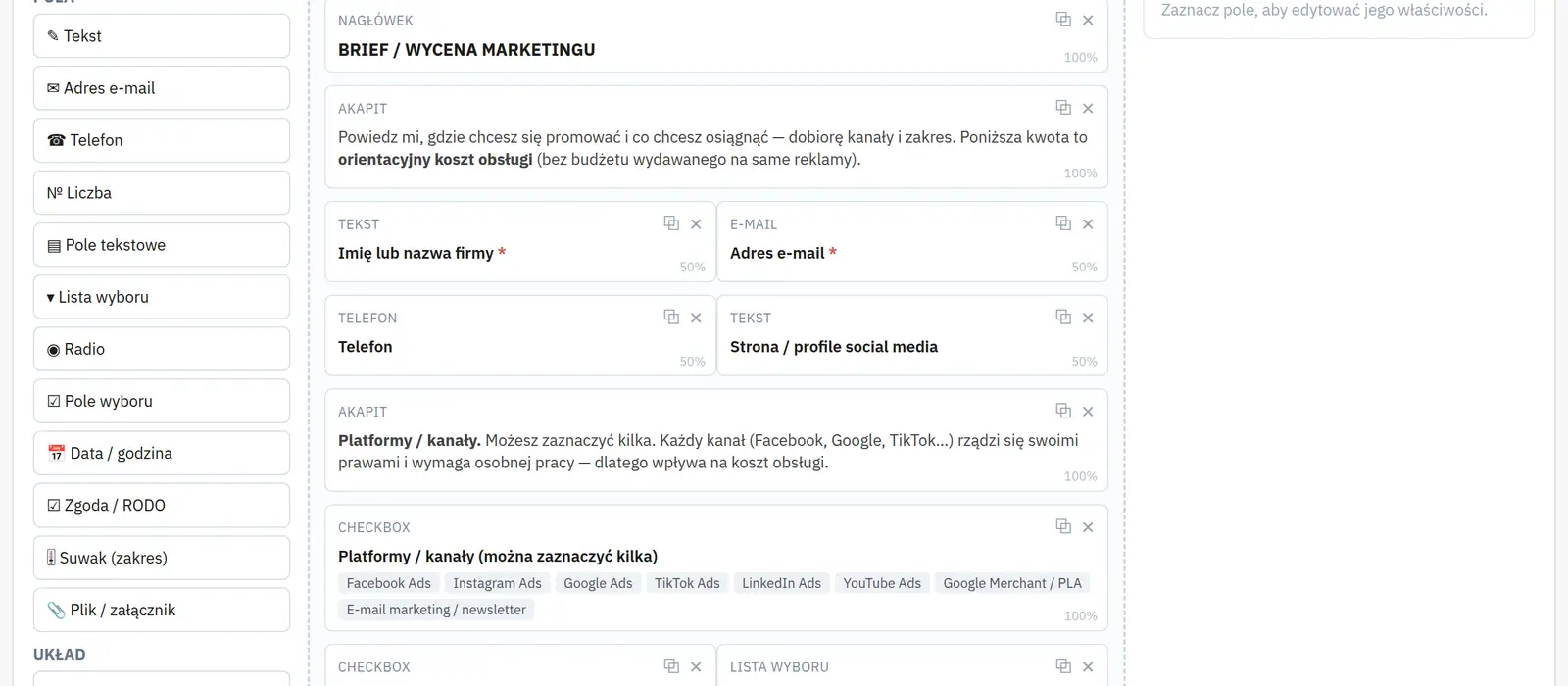
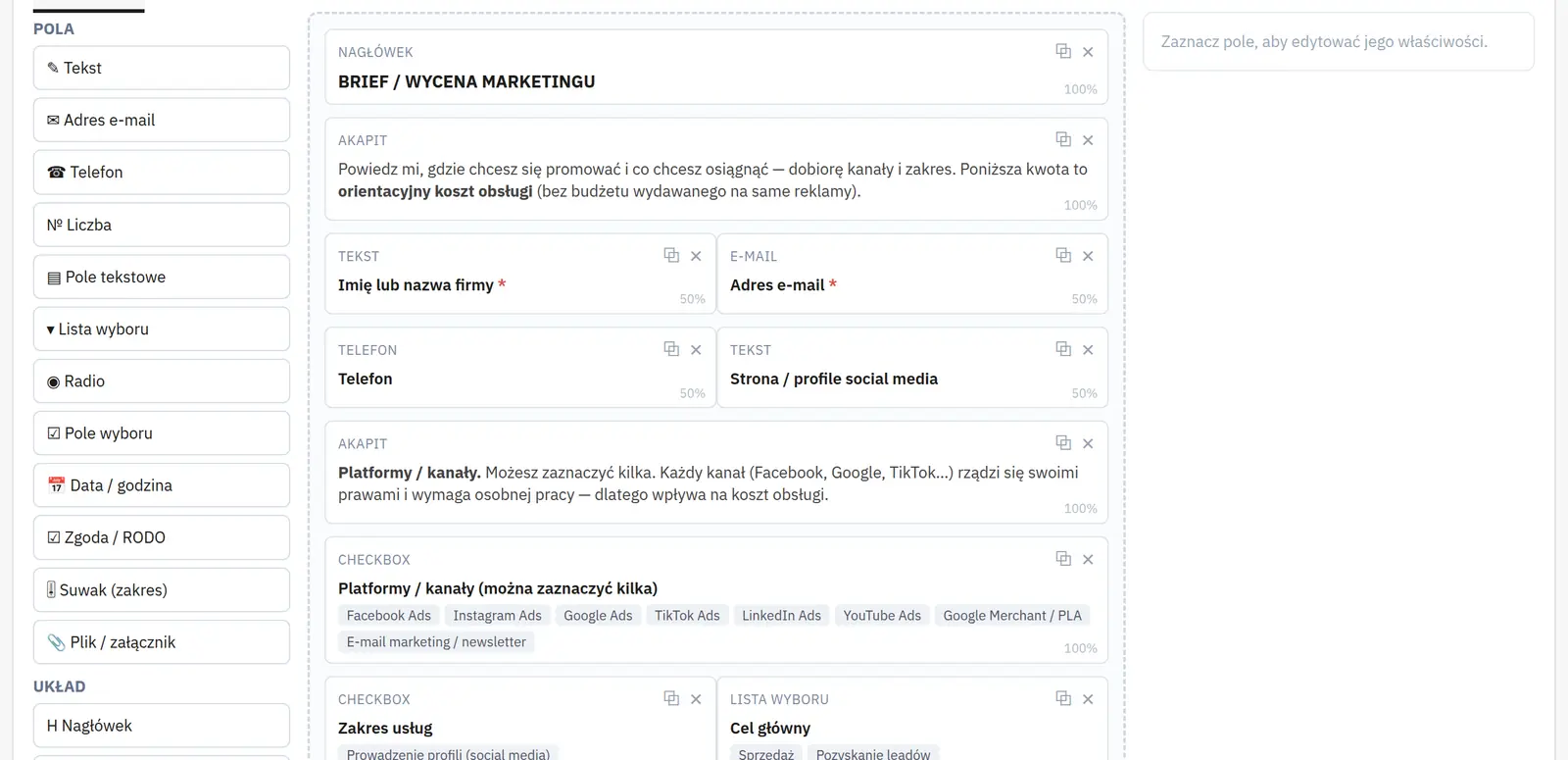
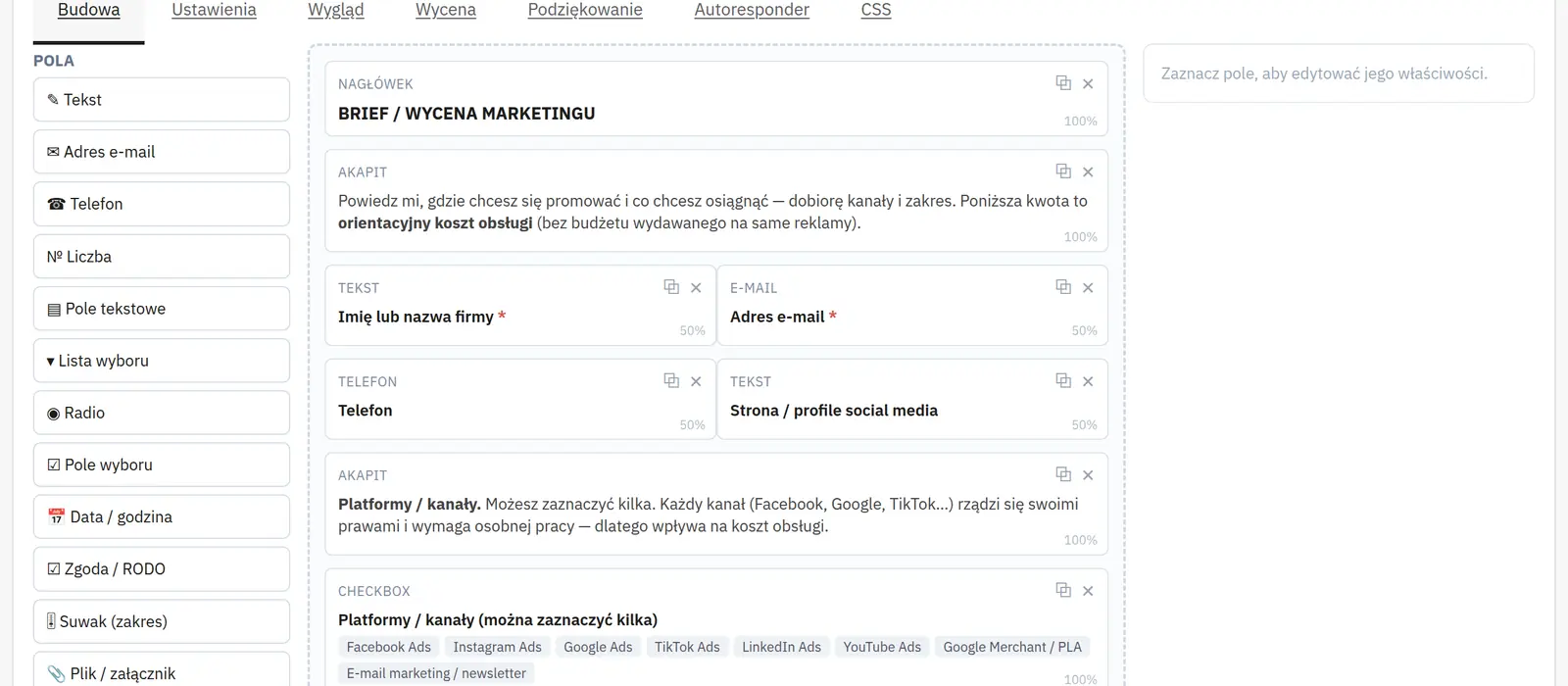
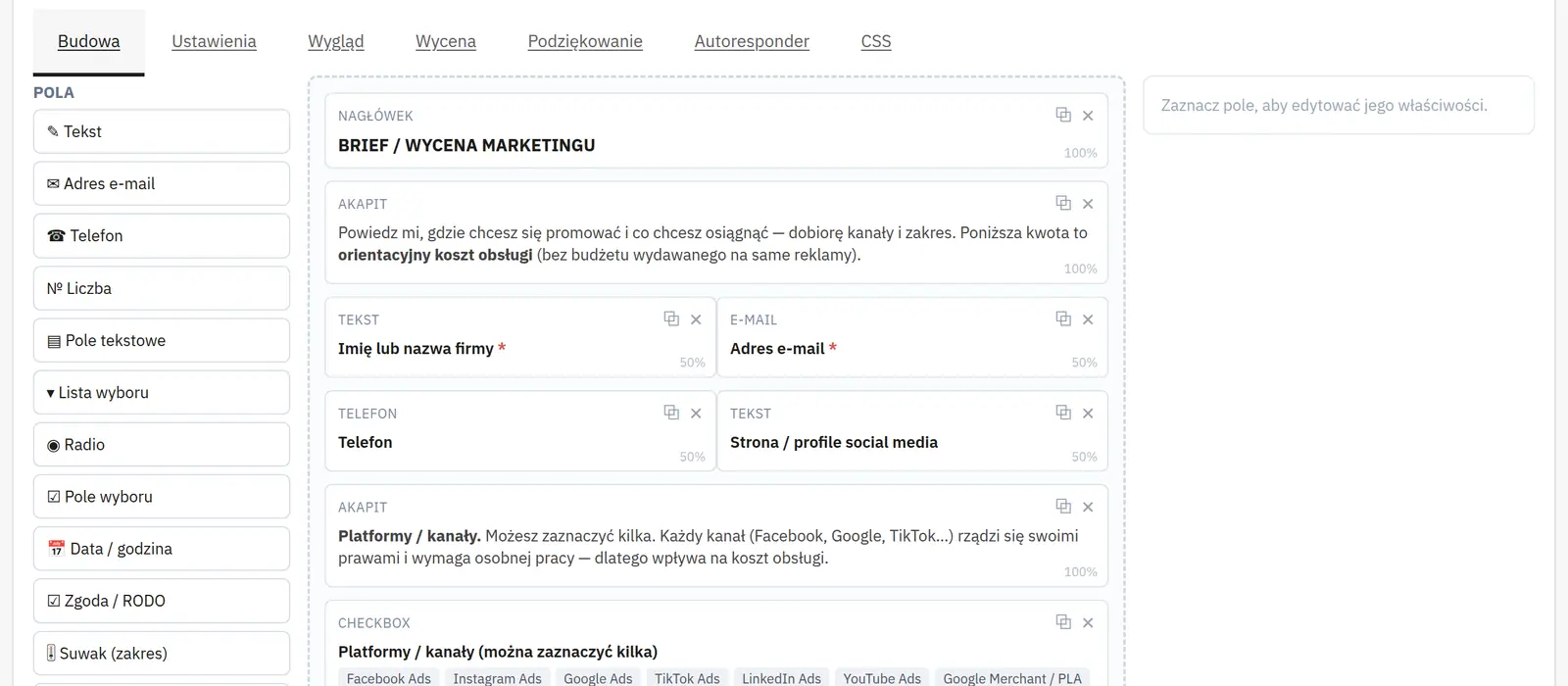
Visual drag and drop field layout
You arrange fields visually by dragging them into place. This lets you build a form that matches the order of the questions you ask the customer.
Conditional form logic
Conditional logic ties field visibility to earlier answers. The customer sees only the questions relevant to their case, e.g. the selected quote type.
Field widths and ready-made templates
Field widths help organise the layout, and templates provide a starting point for further forms. Useful when one shop handles several enquiry types.
Who is this module for?
A solution for shops collecting offer enquiries, product personalisation requests and individual quotes.
What can you set in the module panel?
01 / Form builder
Form builder
Status, fields and templates
You enable the form, pick a layout and a starting template, then arrange the fields. Headings, paragraphs, separators and step markers organise a longer form.
Field properties
The label describes the field, the name identifies the submitted value, and the placeholder suggests how to fill it in. Width sets the field's place in the layout. The required flag blocks submission without a value; the consent field is always required.
Options and ranges
Choice options have separate labels and values. Number fields, sliders and dates have range settings; sliders can carry a prefix and a suffix, and time fields a step in minutes. The settings depend on the field type.
Files and single-field styling
The extension list narrows the allowed attachments. A CSS class and ID let you style the field yourself; they do not change the name used to store the data.
Display conditions
You choose the action, the source fields, the operator and the compared value. Requiring all or any of the conditions lets you build dependencies between answers.
02 / Steps and pricing
Steps and pricing
Multi-step form
You enable steps, an optional counter and custom labels for the Next and Back buttons. Step markers in the builder define where the fields split.
Calculator
You enable pricing, set the starting price and the summary name. Price values of fields and individual options affect the total; the calculator itself is not a payment or a shop order.
03 / Submissions and messages
Submissions and messages
Handling submissions
You enable database storage and e-mail notifications separately. Leaving the recipient address empty means the shop address, the subject sets the message header, and AJAX allows sending without reloading the page.
Messages and redirect
You edit the submit label, the success and error messages and the thank-you screen. You can show a summary of the answers or enable a redirect to a given URL after a set number of seconds; 0 means immediately.
Autoresponder
A separate switch sends a confirmation to the address provided by the user. You edit the subject and body independently of the notification for shop staff.
Unfinished forms
This option saves a partial submission once a phone number or e-mail is given, or at least two fields are filled in. An extra condition can delay such saving until consent is ticked.
04 / Protection and privacy
Protection and privacy
CAPTCHA
You choose the protection type. For a custom question you enter the question and the accepted answers; for reCAPTCHA you configure the version, site key, secret and the minimum score for v3.
Submission limits
The maximum number of submissions per IP address and the time window length limit repeated sending. A minimum completion time helps reject unnaturally fast submissions.
Data and files
You choose IP storage and anonymisation separately. Retention in days requires running the CRON URL; 0 means no automatic deletion. You set the cleanup time for unused files in hours.
Public links to attachments
This option adds a link to the message that allows the file to be downloaded. Do not enable it without assessing the kind of data submitted and how the messages are shared.
05 / Appearance and portability
Appearance and portability
Theme, colours and CSS
The theme and colours match the form to your shop. Custom CSS allows further changes. Global loading of CSS and JavaScript helps with unusual form embedding but increases the amount of loaded assets.
Import and export
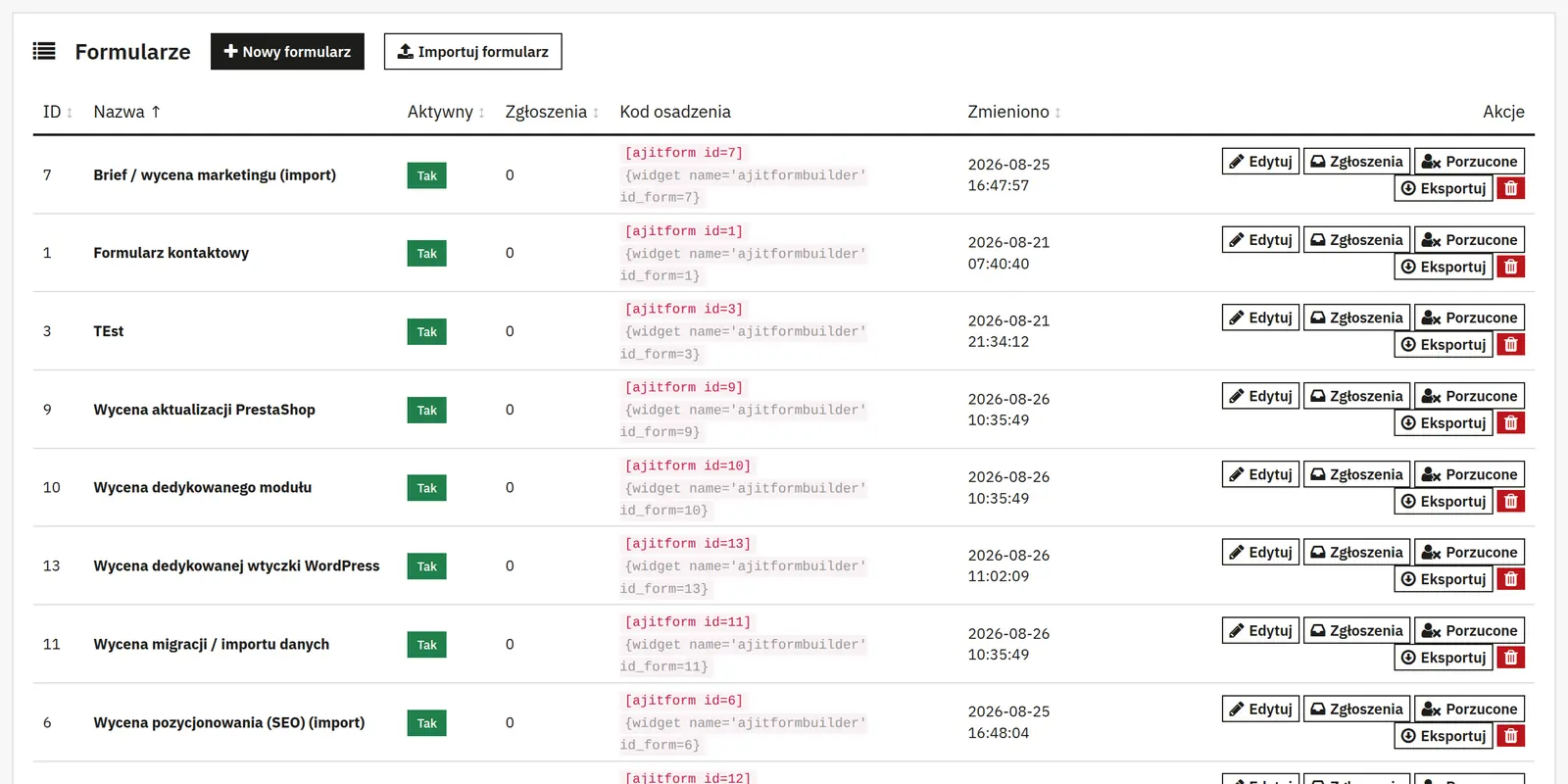
A JSON file is used to move the form configuration. After import, check the recipient addresses, consents and integrations for the target shop.