Manage cookie consents and the banner's appearance. This CMP module supports Google Consent Mode v2 and detects the cookie mechanisms in use.
Available languages:
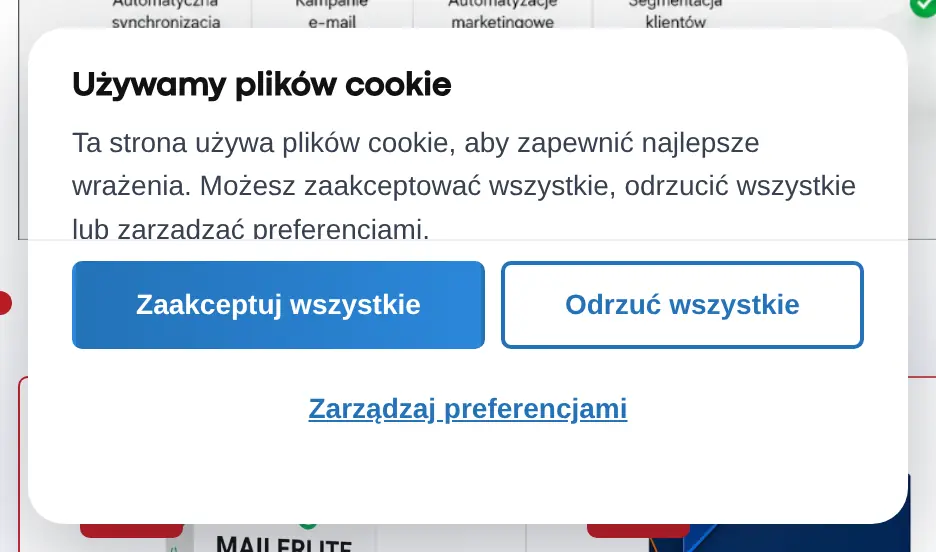
Configurable banner and cookie preferences panel
The banner presents the cookie choice and links to the preferences panel. Its look can be adjusted to match your store's theme and tone.
Google Consent Mode v2 integration
Consent Mode v2 passes the consent state to compatible Google tools. Verify the integration together with how your analytics and ad tags are embedded.
Automatic detection and consent gate
Detecting the mechanisms in use helps you prepare the CMP configuration. The consent gate controls access to content or integrations that depend on the visitor's decision.
Who is this module for?
A solution for stores that use analytics and marketing tools requiring consent management.
Requirements and configuration
Blocking effectiveness depends on how scripts are integrated in a given store; after configuration, test that consents work as expected.
What can you configure in the module panel?
01 / General settings
General settings
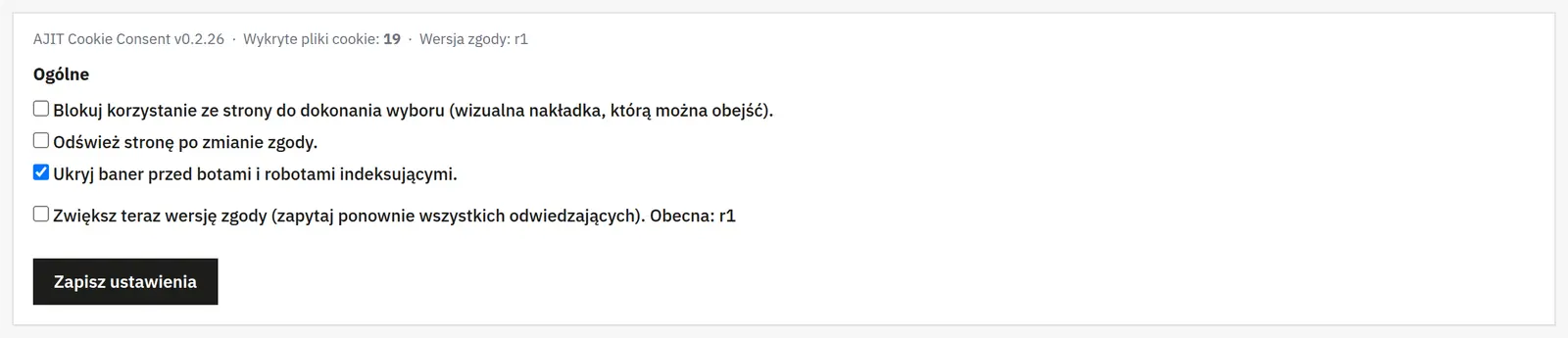
Banner behavior
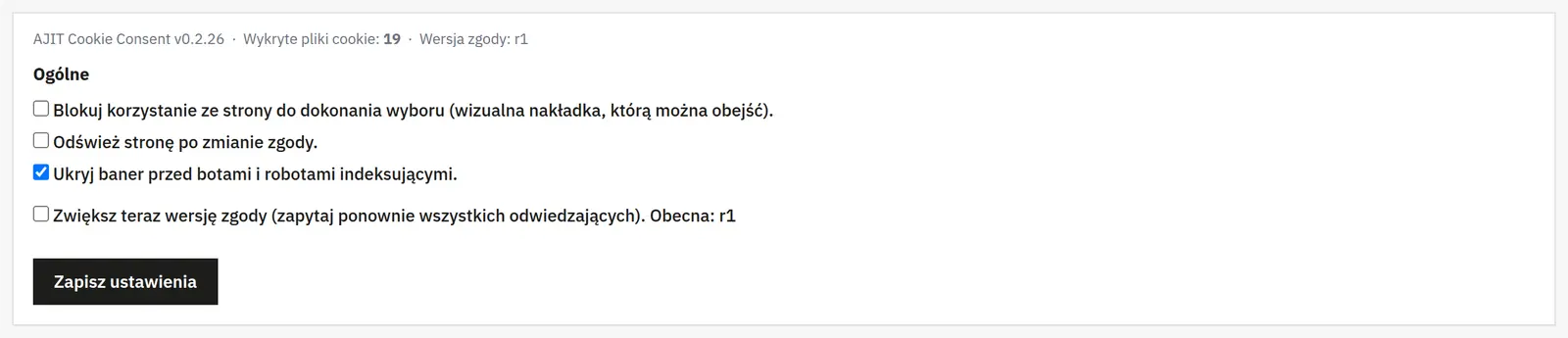
The visual-lock switch covers the page until a consent choice is made, but it is not an access control. You separately set a reload after preference changes and hiding the banner from recognized bots.
New consent version
Raising the revision asks visitors for their decision again. Use it deliberately, e.g. after a significant change in the scope of processing.
02 / Appearance
Appearance
Layout and position
You choose a box, cloud or bar layout and its position on the page. Preferences can open in a centered window or inside the banner.
Reopen button
It can be text, a built-in icon or your own image. You pick the screen corner and icon; a PNG, JPG, GIF or WebP image can be up to 512 KB. Uploading an image switches the style to graphic, and a separate option removes it.
03 / Texts and groups
Texts and groups
Content in your store's languages
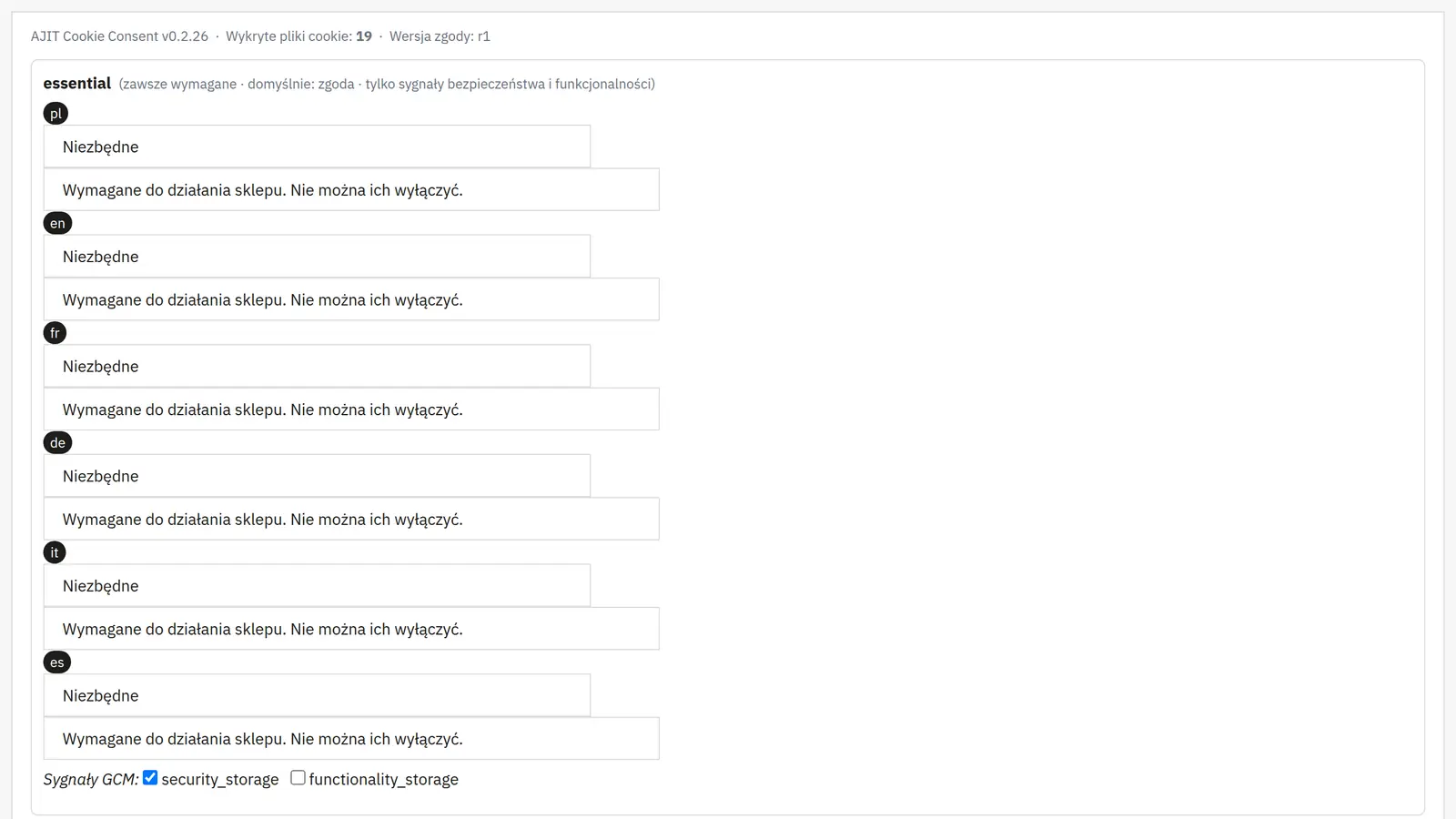
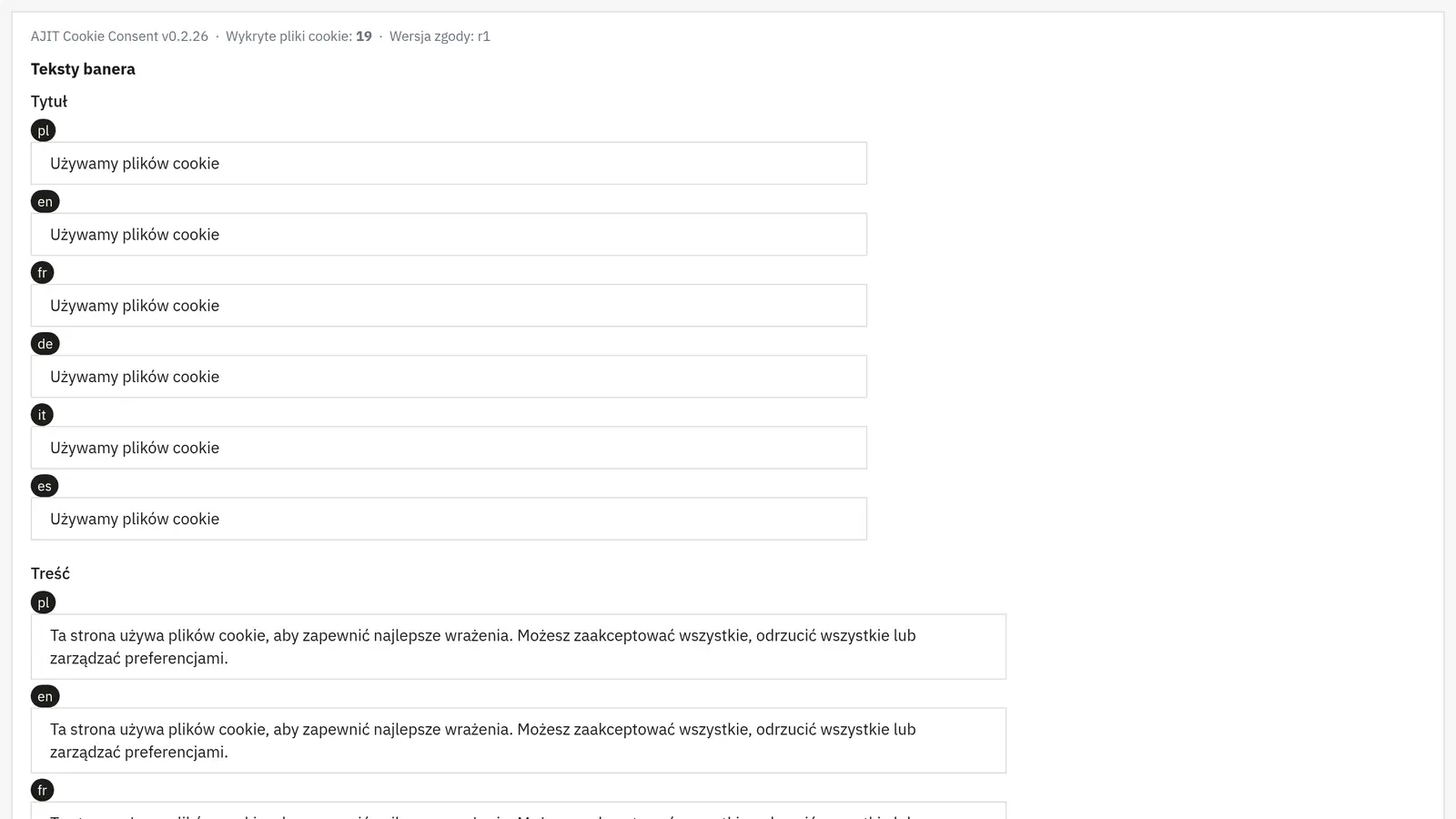
You edit the title, body text and the labels for accept, decline, preferences, save, cancel and reopen. Consent group names and descriptions also have language versions.
Privacy policy
The label and link address point to the right information page in your store. The policy text itself remains a separate document.
Groups and consent signals
You assign groups to Google signals. The necessary group stays required; optional groups start without consent. Assign only the matching functions to the necessary group.
04 / Integrations
Integrations
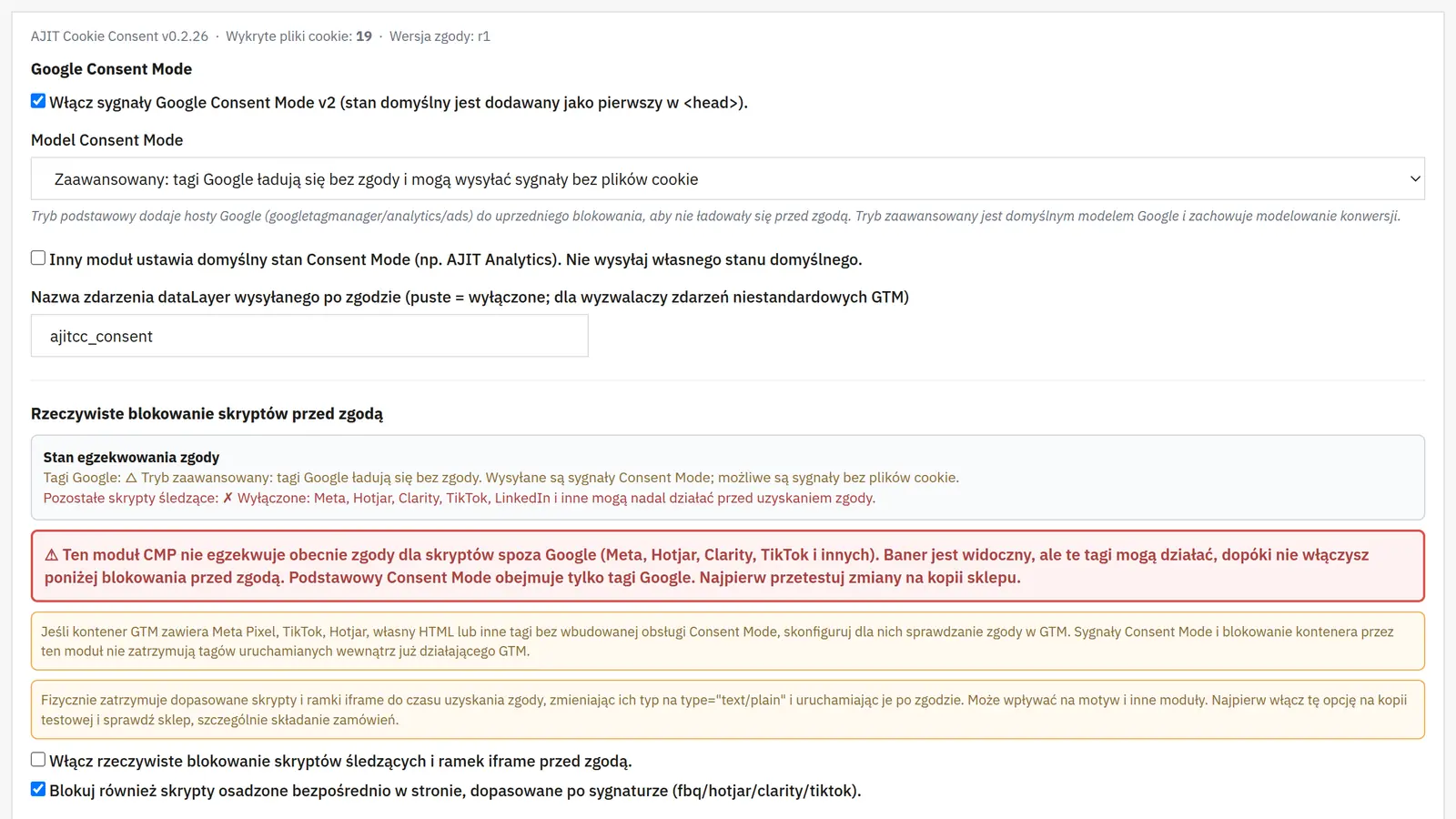
Google Consent Mode
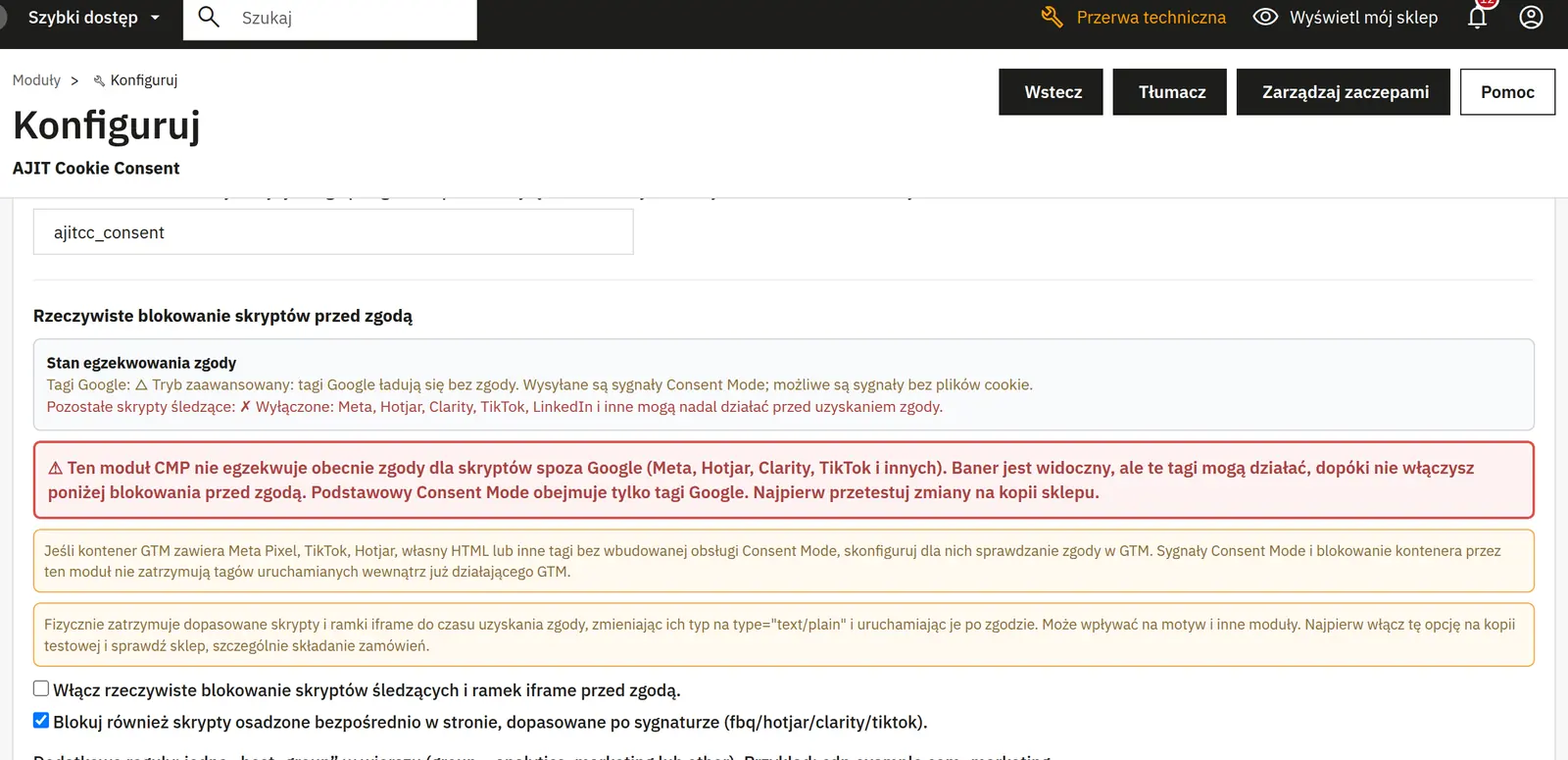
You enable support and choose basic or advanced mode. Advanced mode may fire tags in a denied state and send cookieless signals; on its own it does not mean no connections to Google. Basic mode requires tags to be properly blocked beforehand.
Working with other modules
You can disable sending default values if another tool already sets them. A custom dataLayer event name lets integrations react to consent changes; an empty field disables the event.
Blocking scripts and connections
You separately enable blocking of scripts and iframes, signature recognition in code, and protection of dynamic images, scripts and frames. Additional rules assign hosts to groups. Internal GTM tags and server-side measurement require separate configuration.
CSP nonce
A server variable name lets the module fetch the nonce from your existing CSP configuration. The module does not replace header configuration on the server.
05 / Cookies and diagnostics
Cookies and diagnostics
Cookie register
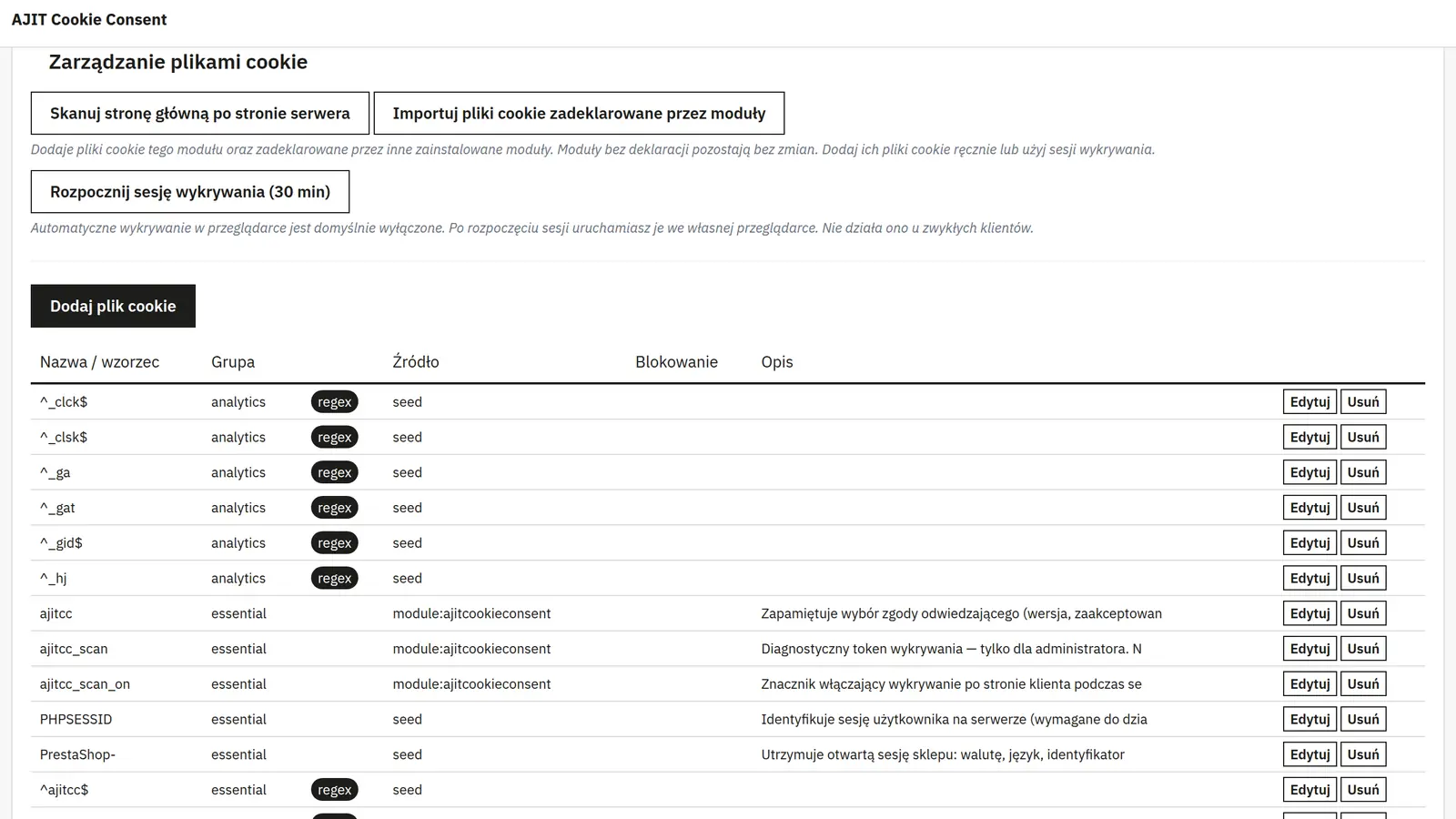
For each entry you provide the name, group, provider, lifetime and description. Marking it as a regular expression lets one rule cover names matching a pattern instead of a single name.
Scanning and verification
The server-side scan detects resources present in the page code but does not execute JavaScript. Browser diagnostics help complete the list with dynamic connections. Detected hosts need review and assignment before rules are enforced; after changes, also check the cart and checkout.