PWA Manifest and Shop Icons - PrestaShop Module
Configure your shop's app manifest, icons and colors on mobile devices. Add shortcuts and a message on the inactive browser tab.
- Version 1.2.1
- Last update 2026-10-02
- PrestaShop compatibility 8.0 – 9.x
- Multistore Not tested
- Cron job No
- Languages
- Delivery time Sent automatically by e-mail
244,77 zł brutto
Instalacja ⓘZleć mi instalację modułu. Zainstaluję, sprawdzę i zweryfikuję poprawne działanie modułu.
Wsparcie techniczne
Domena ⓘPodaj adres url domeny, na której będzie instalowany nasz moduł.
| Product price | |
| Selected options | |
| Total |
PWA manifest and PrestaShop store icons
Configure the app manifest, icons and store colors on mobile devices. Add shortcuts and a message for the inactive browser tab.
Available languages:

![]()

Manifest and app shortcuts
The manifest describes the store to the browser and lets you configure its shortcuts. It is part of preparing the site for use as a web app.
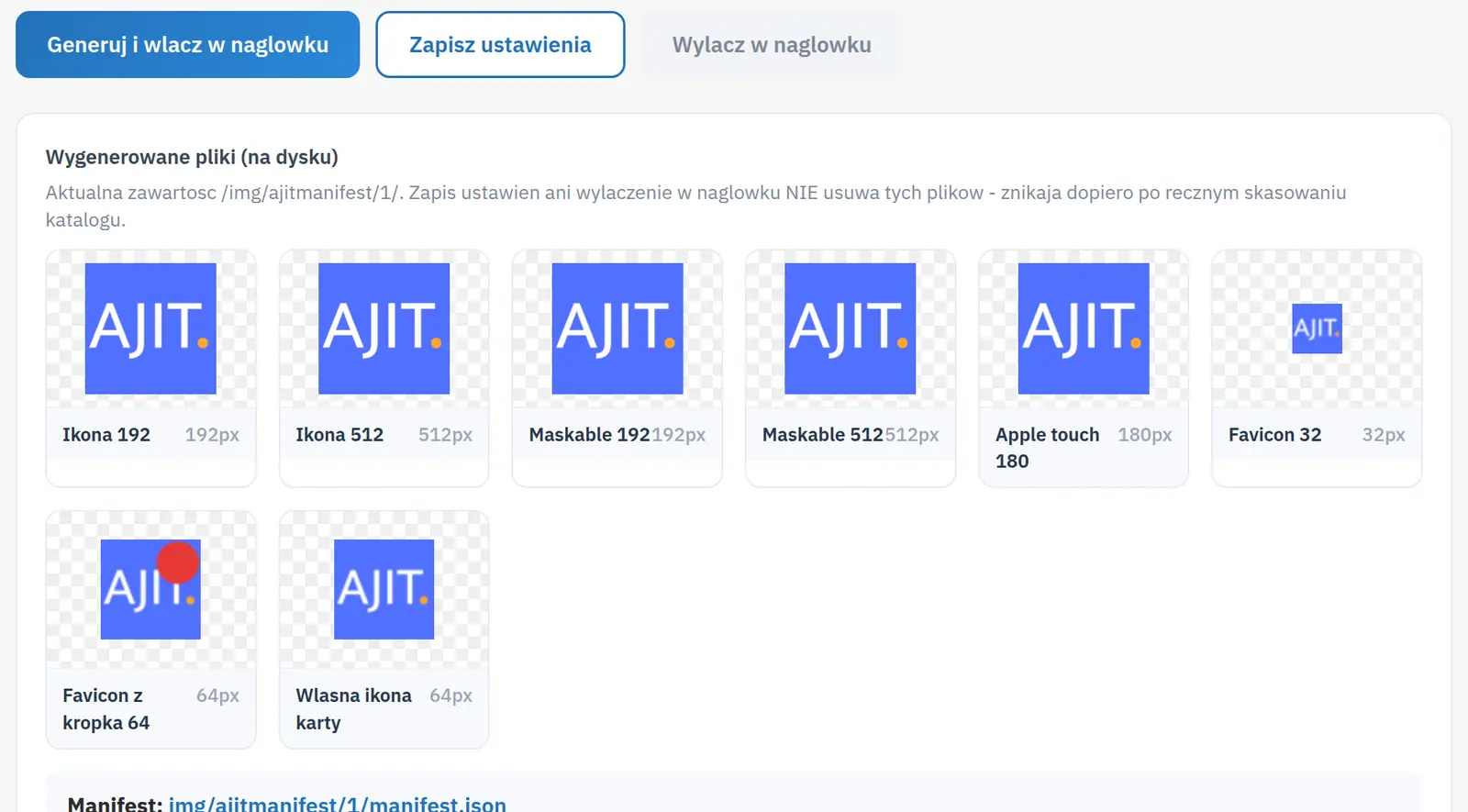
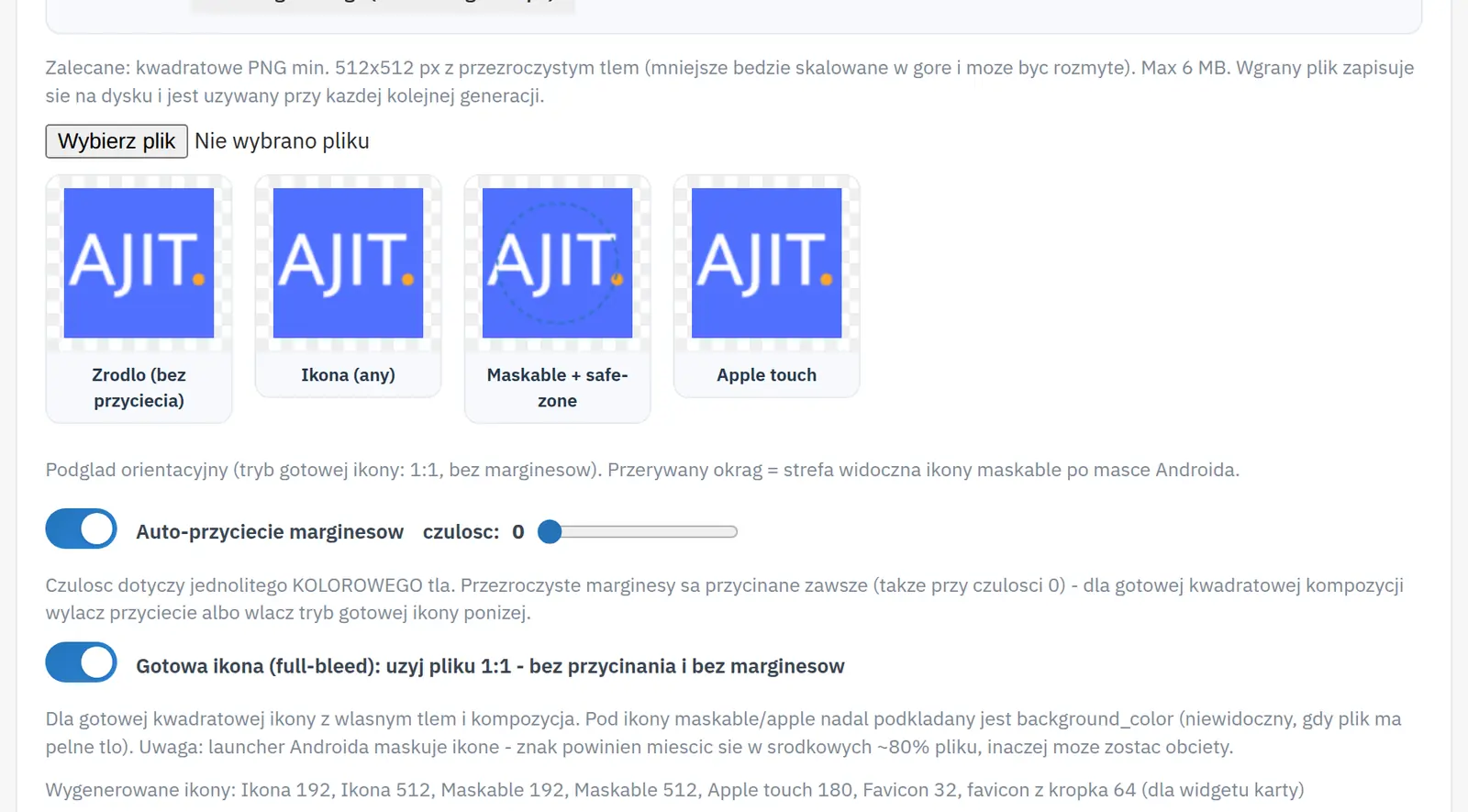
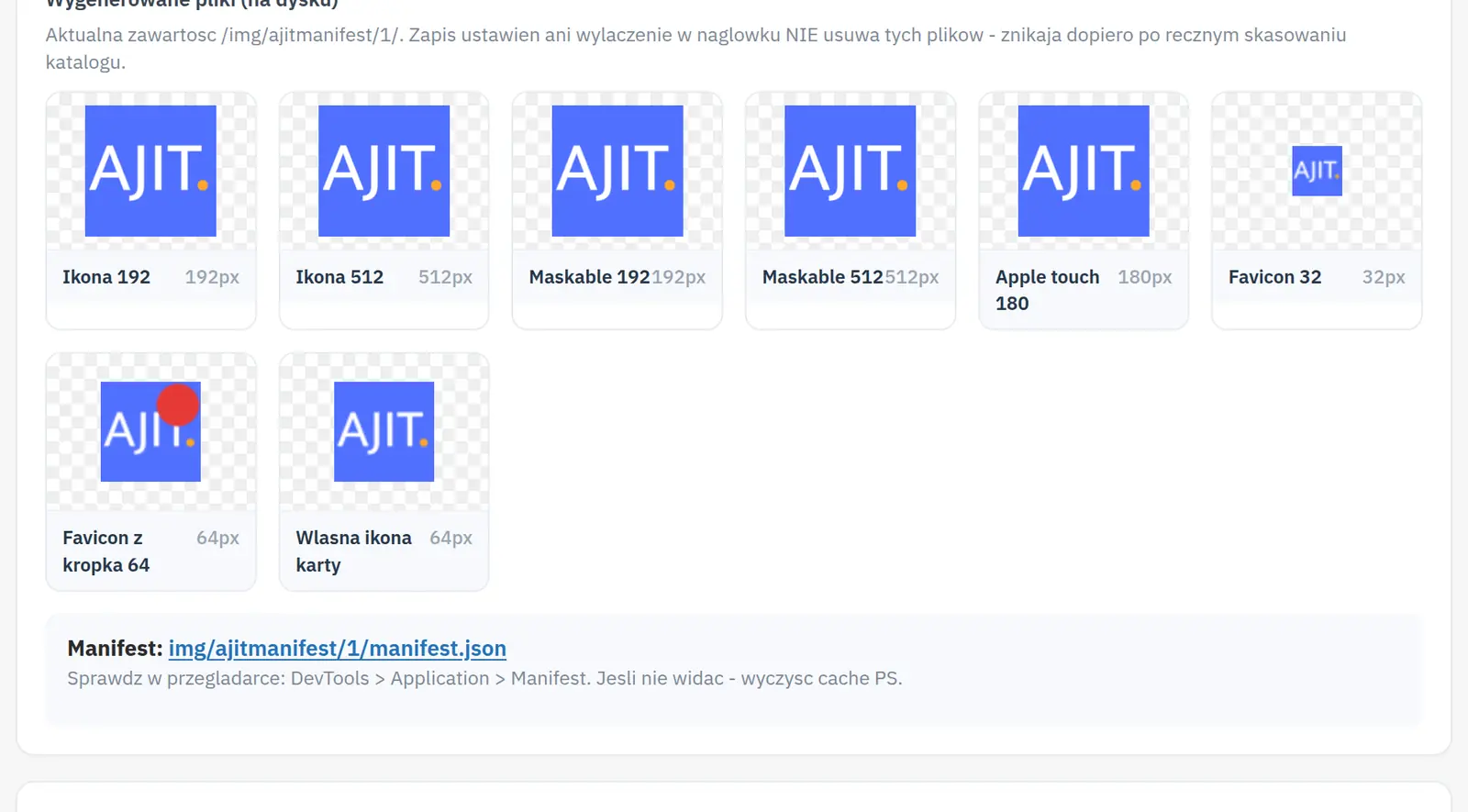
Icons from a single logo
A single logo is enough to prepare an icon set, including the apple-touch-icon and favicon. This keeps the store looking consistent in the browser and on mobile devices.
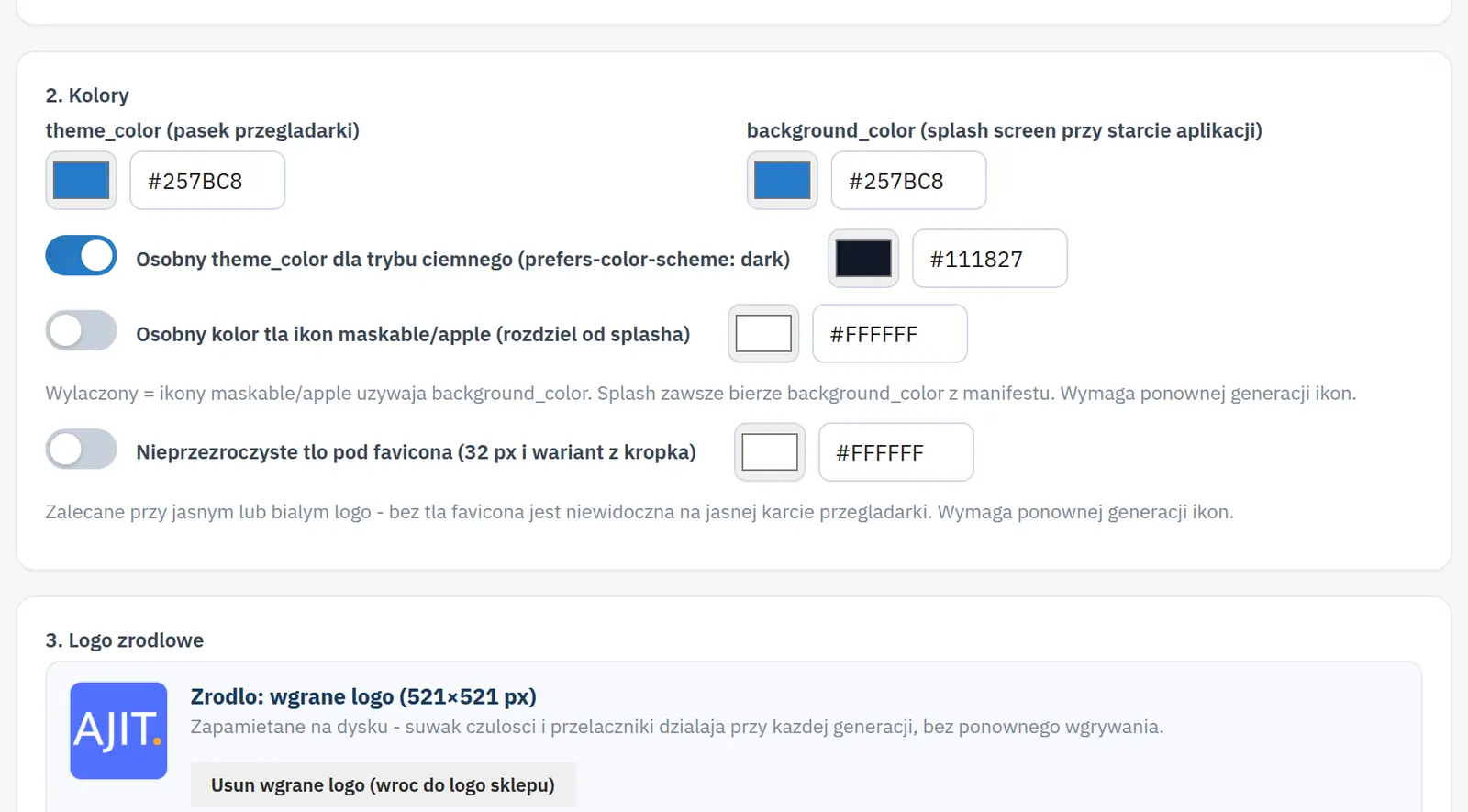
Theme colors and tab message
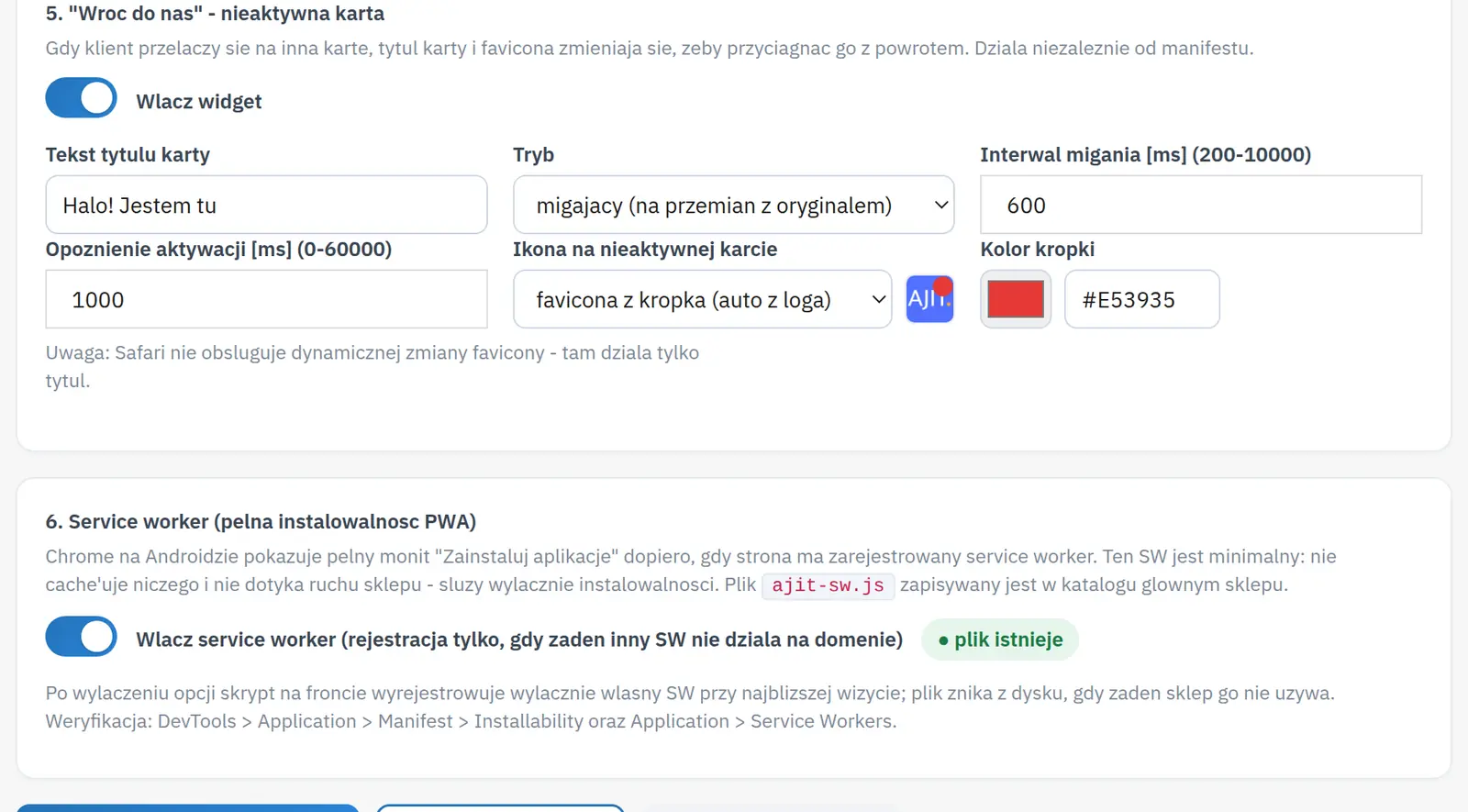
The settings cover light and dark theme colors and a message encouraging visitors to return to an inactive tab. The look can be matched to the store branding.
Who is this module for?
It is a solution for stores improving the mobile shopping experience.
Requirements and configuration
The manifest alone does not provide offline operation; installability also depends on other browser requirements.
What can you set in the module panel?

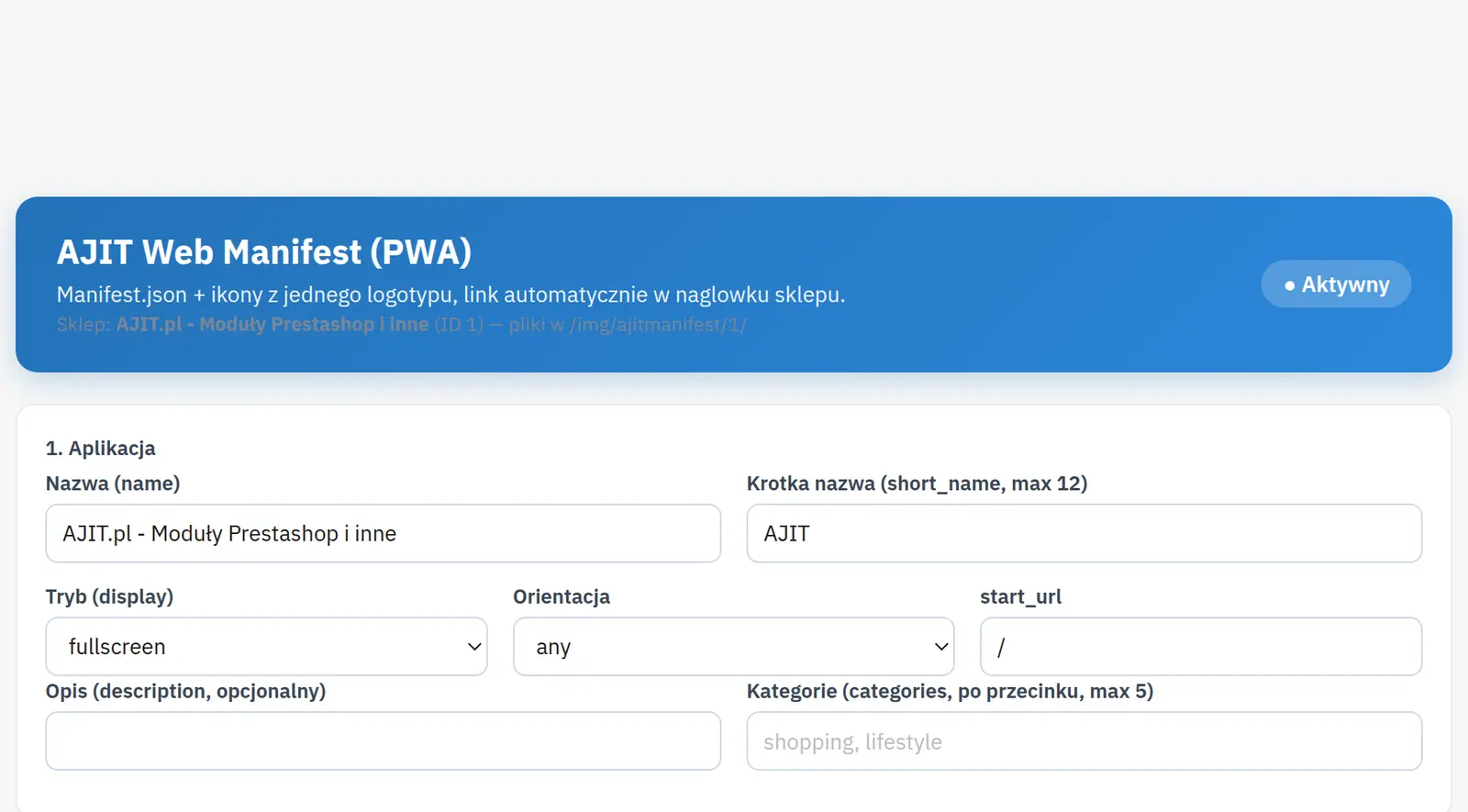
01 / App details
App details
- Name and short name
- The full name identifies the app, while the short name is used where space is limited, e.g. under the icon.
- Display mode, orientation and start URL
- They define the preferred opening mode, screen orientation and start page. The browser may limit the supported variants.
- Description and categories
- The description explains the app's purpose, and the category list completes the manifest metadata.

02 / Colors, icons and shortcuts
Colors, icons and shortcuts
- Theme and background colors
- The theme color is used for the browser bar, among others, and the background color for the splash screen. The effect depends on the system and browser.
- Source logo
- It serves as the basis for preparing the store and app icon set.
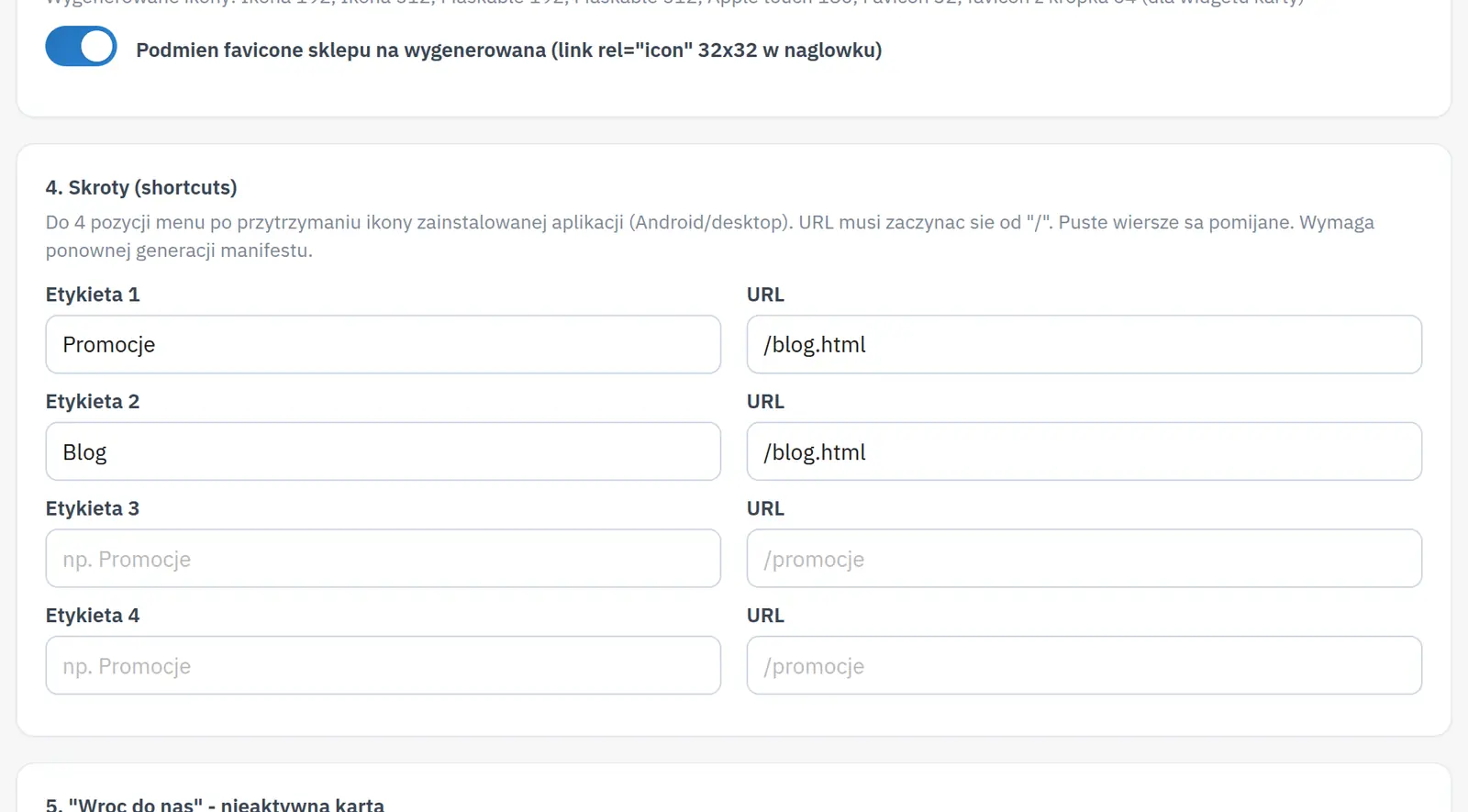
- Shortcuts
- You configure shortcuts leading to the selected store URLs. Their availability depends on app shortcut support on the device.

03 / Inactive tab
Inactive tab
- Title, mode, interval and delay
- You choose a “come back to us” message, how it is shown, the pace of changes and the wait time after leaving the tab.
- Icon and dot color
- They define how the inactive tab is highlighted. You can upload your own icon, which the module prepares for use in the browser tab.

04 / App files
App files
- Service worker and generated files
- The panel covers service worker handling and a preview of the files and manifest. The manifest itself does not mean every store feature works offline.
Data sheet
- Version
- 1.2.1
- Last update
- 2026-10-02
- PrestaShop compatibility
- 8.0 – 9.x
- PHP version
- 7.4 – 8.3
- Languages
- DE, EN, ES, FR, IT, PL
- Multistore
- Not tested
- Cron job
- No
- Core overrides
- No
- Theme compatibility
- Any theme
- External service required
- Not required
- Source code
- Open, no ionCube
- Licence
- 1 shop (domain), no time limit
- Updates
- Free for 12 months
- Technical support
- Free for 6 months
- Delivery time
- Sent automatically by e-mail
- VAT invoice
- Yes
- Returns
- As stated in the terms
- Package size
- 77 kB
- Demo link
- Link
- Documentation
- Link
No customer reviews for the moment.