• On sale!
Dodatkowe opcje produktów PrestaShop - personalizacja i dopłaty

Additional Product Options: Customization and Surcharges - PrestaShop Module

Add product options that affect the price without building a separate combination for every choice. Manage global customization options for your offer.

  • Version 0.14.0
  • Last update 2026-10-02
  • PrestaShop compatibility 8.0 – 9.x
  • Multistore Not tested
  • Cron job No
  • Languages Polski English Français Deutsch Italiano Español
  • Delivery time Sent automatically by e-mail
Pokaż demo Instrukcja
help_outlineAsk about product
Additional Product Options: Customization and Surcharges - PrestaShop Module

Additional Product Options: Customization and Surcharges - PrestaShop Module

+48 728 658 005

Zadzwoń lub skorzystaj z formularza poniżej


zł199.00 netto

244,77 zł brutto

Lowest price in the last 30 days: zł150.00

Price history

Regular price Promotional price

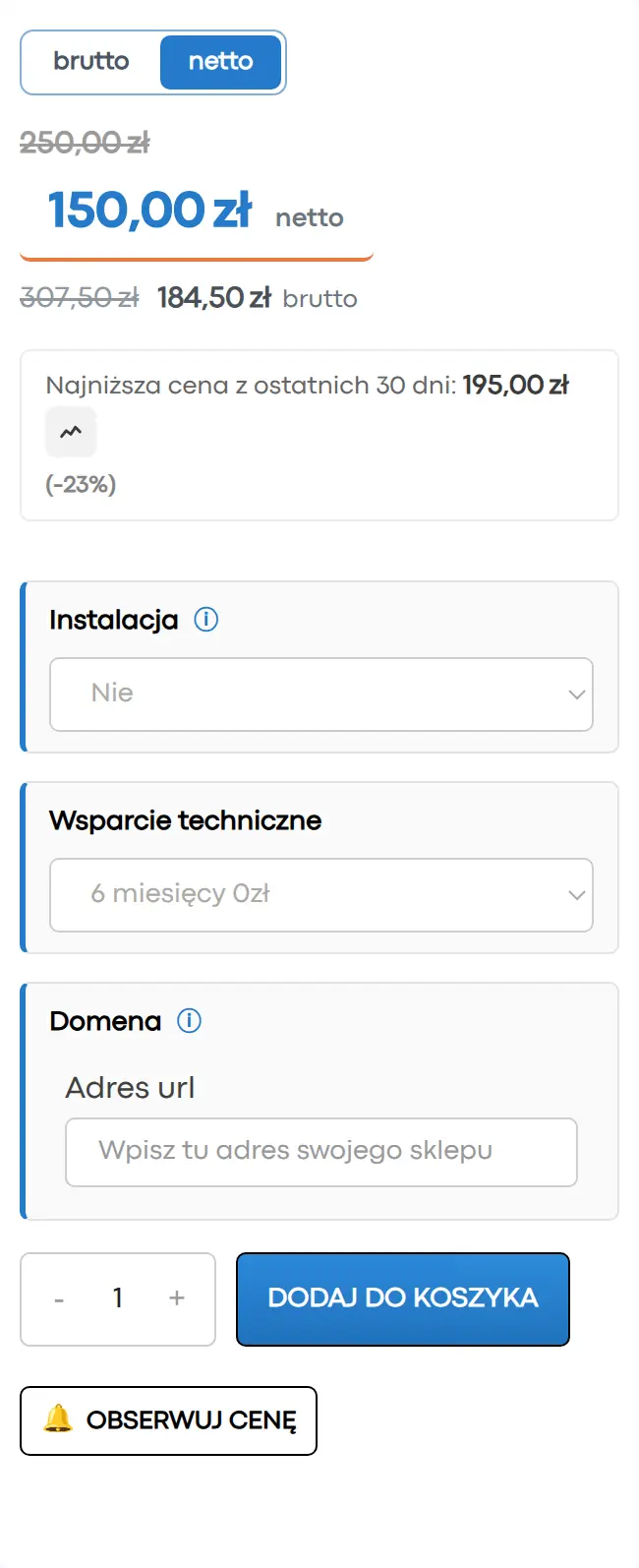
Instalacja ⓘZleć mi instalację modułu. Zainstaluję, sprawdzę i zweryfikuję poprawne działanie modułu.

Wsparcie techniczne

Domena ⓘPodaj adres url domeny, na której będzie instalowany nasz moduł.

Quantity

Extra product options for PrestaShop - personalization and surcharges

Add product options that affect the price without building a separate combination for every choice. Manage global personalization options across your offer.

Available languages: PL EN FR DE IT ES

Global options assigned to products

Global options assigned to products

Global options help you organize recurring choices offered with products. This is useful when many items share similar personalization or add-ons.
Selected options affect the price

Selected options affect the price

Choosing an option can change the product price. The customer sees how the configuration affects the offer, and the store can price extra elements separately.
An alternative to expanding variants through combinations

An alternative to expanding variants through combinations

Options reduce the need to create every possible configuration as a separate combination. Before rollout, decide which choices need their own stock level.

Who is this module for?

It is a solution for stores offering personalization, extra services and product configuration before purchase.
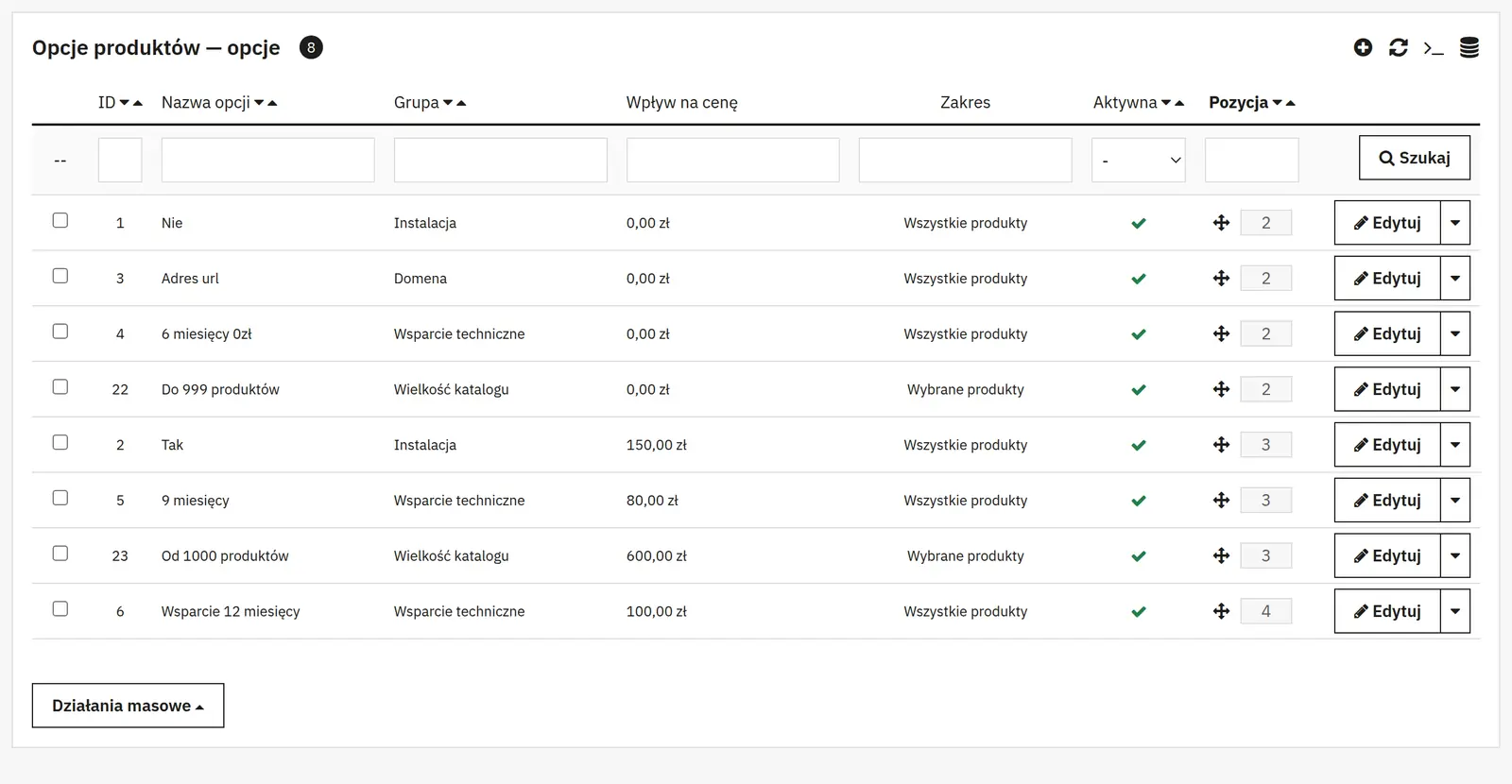
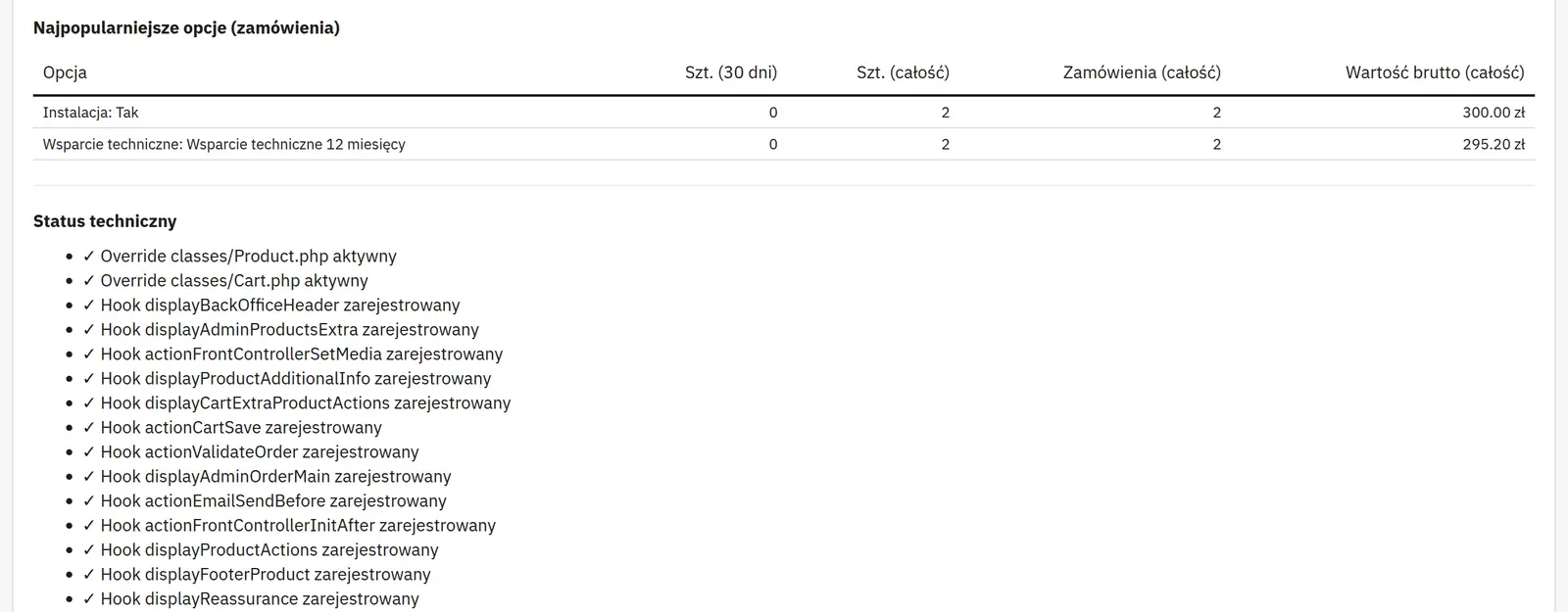
What can you configure in the module panel?

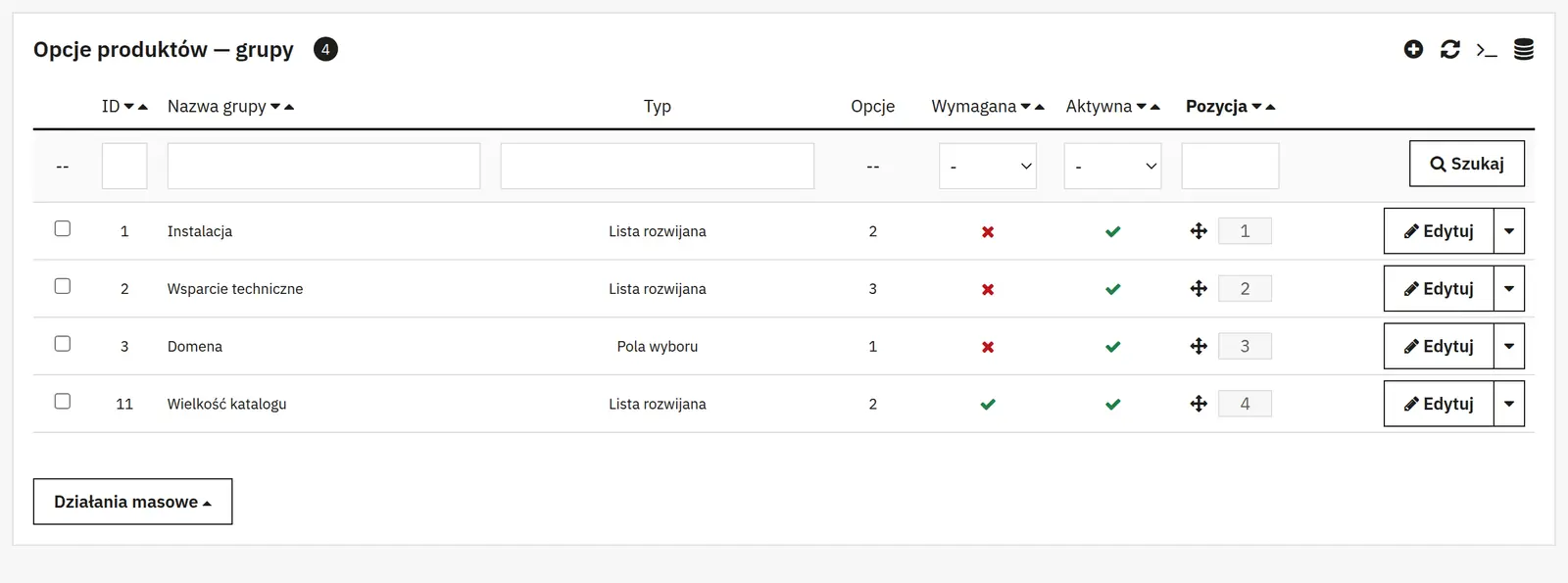
Option groups

01 / Option groups

Option groups

Name, presentation and status
A group organizes options and defines how they are selected. It can be disabled without deleting the configuration.
Requirement and dependency
A required group forces a choice. The “show only when an option is selected” condition reveals it only after the customer’s earlier selection.
Single option

02 / Single option

Single option

Name, description, tooltip and image
The name identifies the choice, the description adds information, the tooltip shows an explanation in a bubble, and the image helps present the variant visually.
Group and default selection
You pick the group the option belongs to and whether it is selected from the start. Requirement and status control whether the choice is mandatory and available.
Price change type and value
You choose a fixed or percentage surcharge. The amount is a price change, not a final price; a negative value means a discount.
Tax and product discounts
You decide whether to add the product tax to the net amount and whether the option follows product discounts.
Weight change
The option’s extra weight can affect calculations that depend on the product weight.
Assignments and presentation

03 / Assignments and presentation
Assignments and presentation

Scope, products and categories
You define which products the option applies to, using product IDs or category assignments.
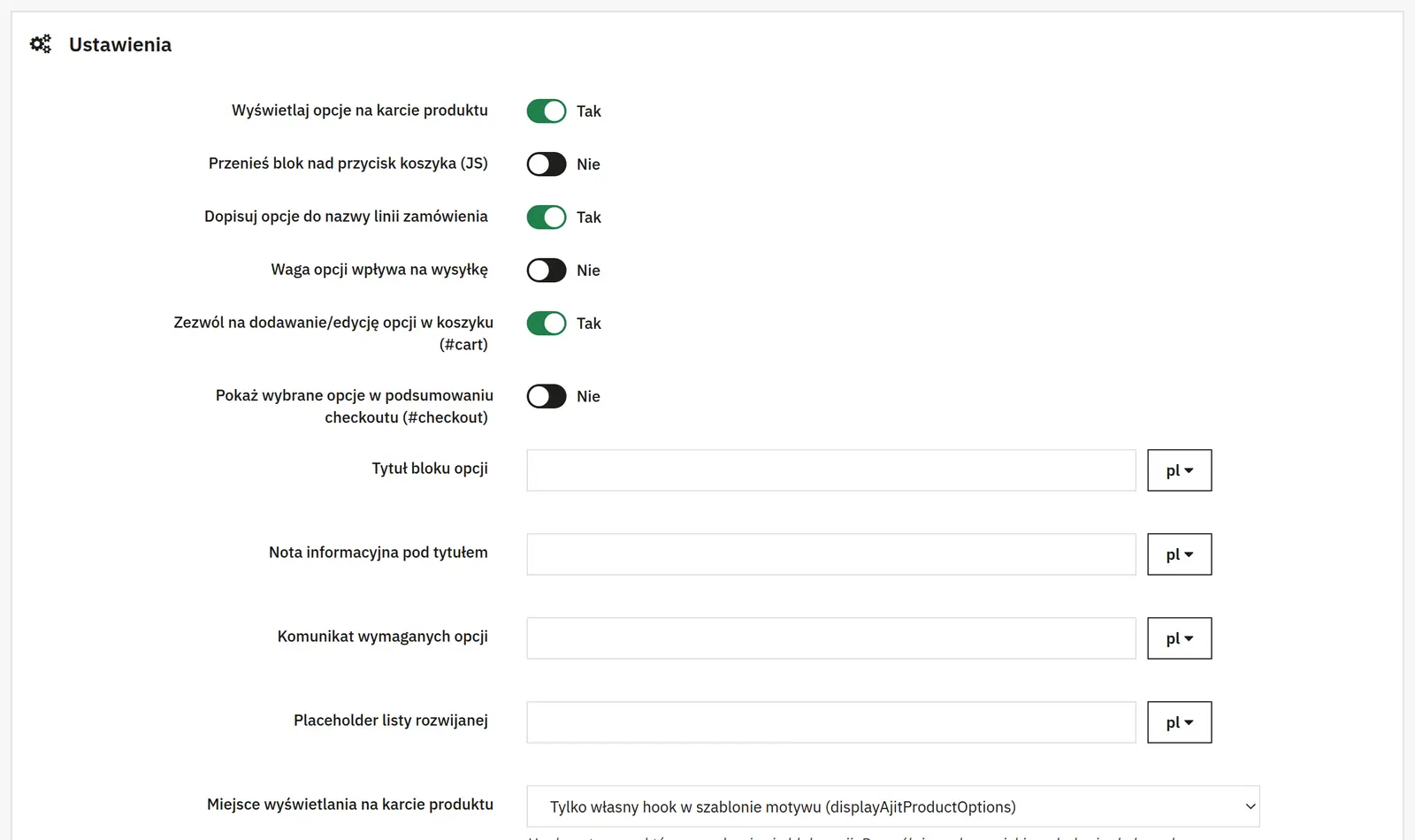
Title, note and messages
You change the block heading, the note below it, the required-choice message and the dropdown placeholder.
Position, price labels and colors
The position depends on theme hooks. Labels separate the product price, option price and total. The accent and option prices have separate colors.
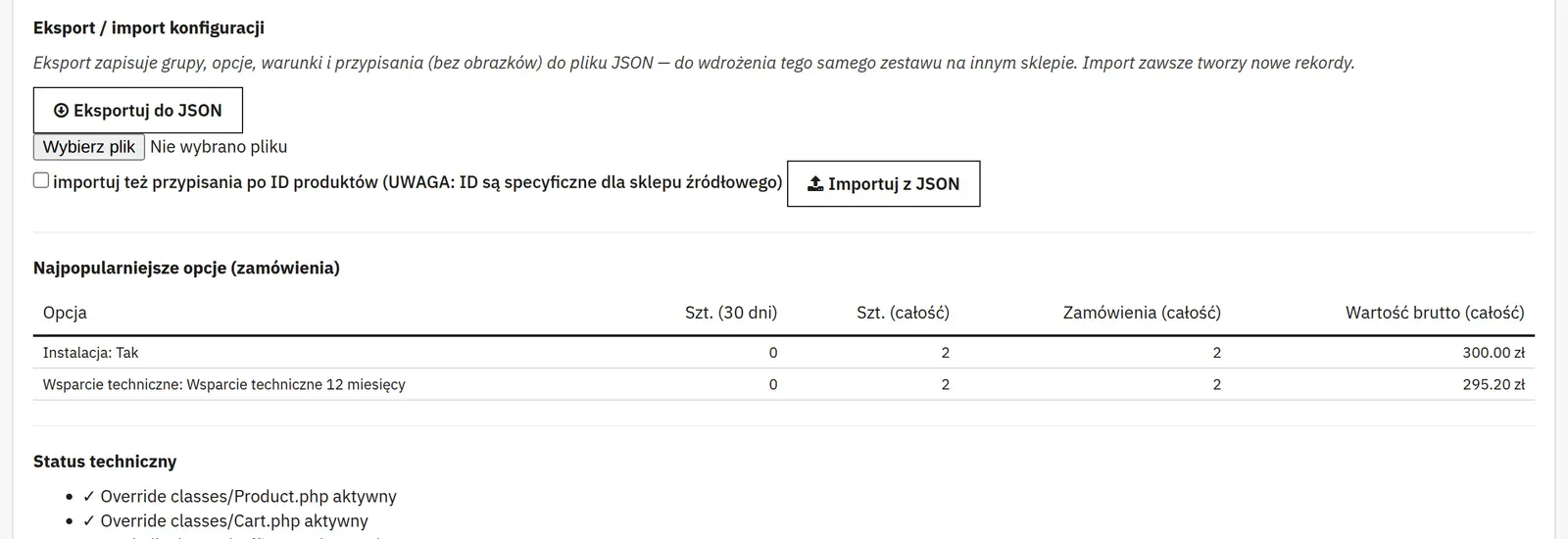
Moving the configuration

04 / Moving the configuration

Moving the configuration

Export and import
They let you move the configuration between stores. Importing assignments by product ID is a separate option, because product numbers can differ between stores.
AJIT-PRODUCTOPTIONS

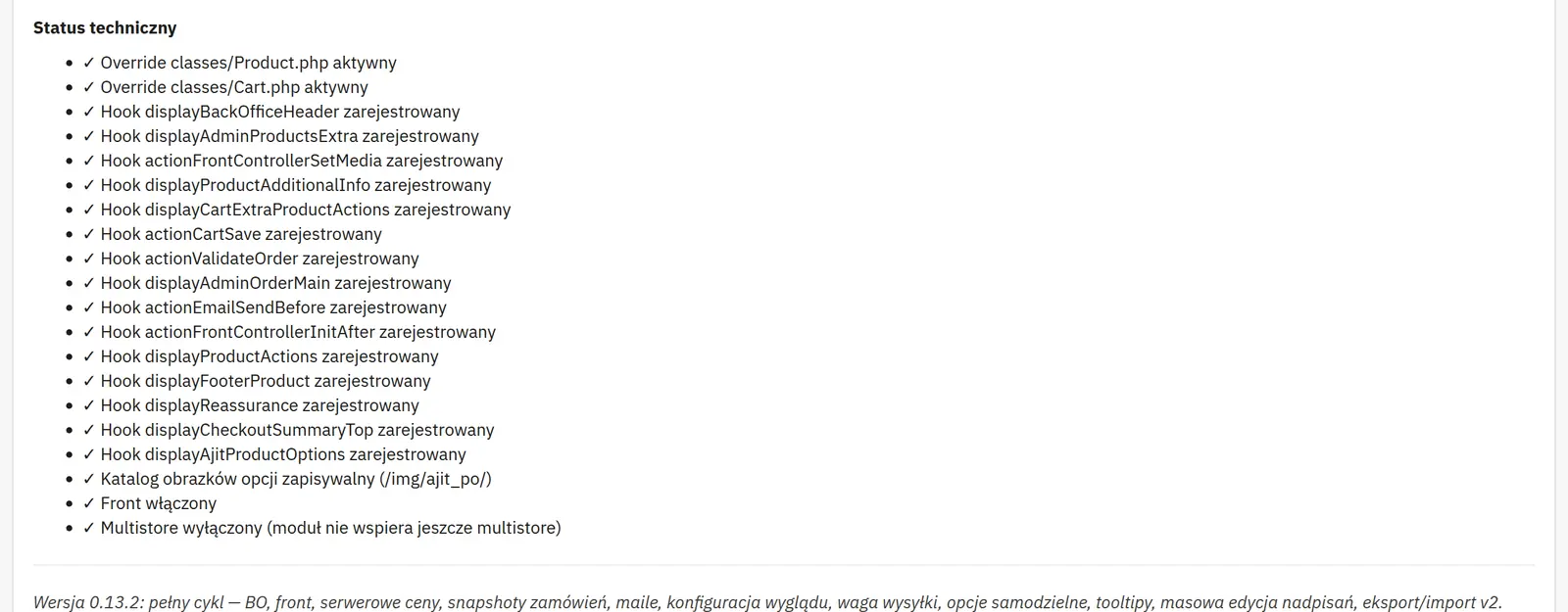
Data sheet

Version
0.14.0
Last update
2026-10-02
PrestaShop compatibility
8.0 – 9.x
PHP version
7.4 – 8.3
Languages
DE, EN, ES, FR, IT, PL
Multistore
Not tested
Cron job
No
Core overrides
Yes
Theme compatibility
Any theme
External service required
Not required
Source code
Open, no ionCube
Licence
1 shop (domain), no time limit
Updates
Free for 12 months
Technical support
Free for 6 months
Delivery time
Sent automatically by e-mail
VAT invoice
Yes
Returns
As stated in the terms
Package size
172 kB
Demo link
Link
Documentation
Link

No customer reviews for the moment.

Related Products ( 4 other products in the same category )