Product Video - videos in the gallery and on listings - PrestaShop Module
Show your product in motion. Add MP4 or WebM videos to the gallery, assign them to combinations and use playback on product lists.
- Version 0.4.12
- Last update 2026-10-02
- PrestaShop compatibility 9.0 – 9.x
- Multistore Not tested
- Cron job No
- Languages
- Delivery time Sent automatically by e-mail
367,77 zł brutto
Instalacja ⓘZleć mi instalację modułu. Zainstaluję, sprawdzę i zweryfikuję poprawne działanie modułu.
Wsparcie techniczne
Domena ⓘPodaj adres url domeny, na której będzie instalowany nasz moduł.
| Product price | |
| Selected options | |
| Total |
PrestaShop product video - videos in the gallery and on listings
Some products cannot be sold well with a photo alone. Movement, the way something works, the texture of a material or real proportions often become clear only in a video. AJIT Product Video lets you place such footage directly in the PrestaShop product gallery.
Available languages:

![]()
The module supports MP4 and WebM files and fine-tunes gallery behaviour separately for desktop and mobile devices. The poster can be generated from a selected video frame in the browser.
Key module features
- MP4 and WebM video support
- integration with the product gallery on desktop
- separate slide in the mobile gallery
- poster generated from a selected video frame
- badge with a play icon
- separate PC/mobile thumbnail height settings
- configurable theme selectors
- controlled autoplay

Video directly in the product gallery
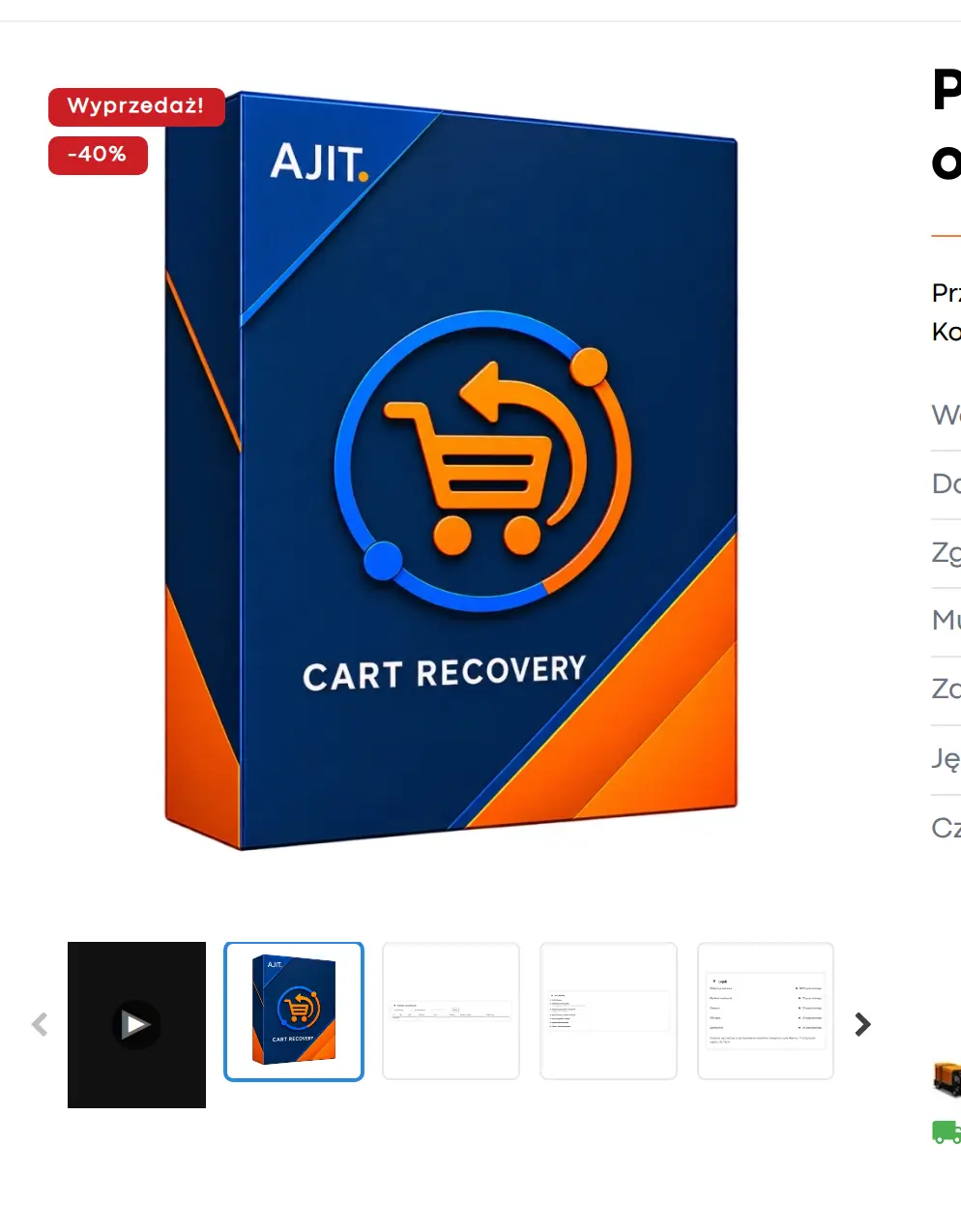
On desktop, the video can be shown as an overlay on the main image, with a thumbnail marked with a play icon. On mobile devices, the video can act as a separate slide of the Slick carousel.

Automatic poster from a video frame
The start frame is generated client-side from a selected moment of the video using canvas. This means you do not have to prepare a separate graphic for each video manually.
Theme integration
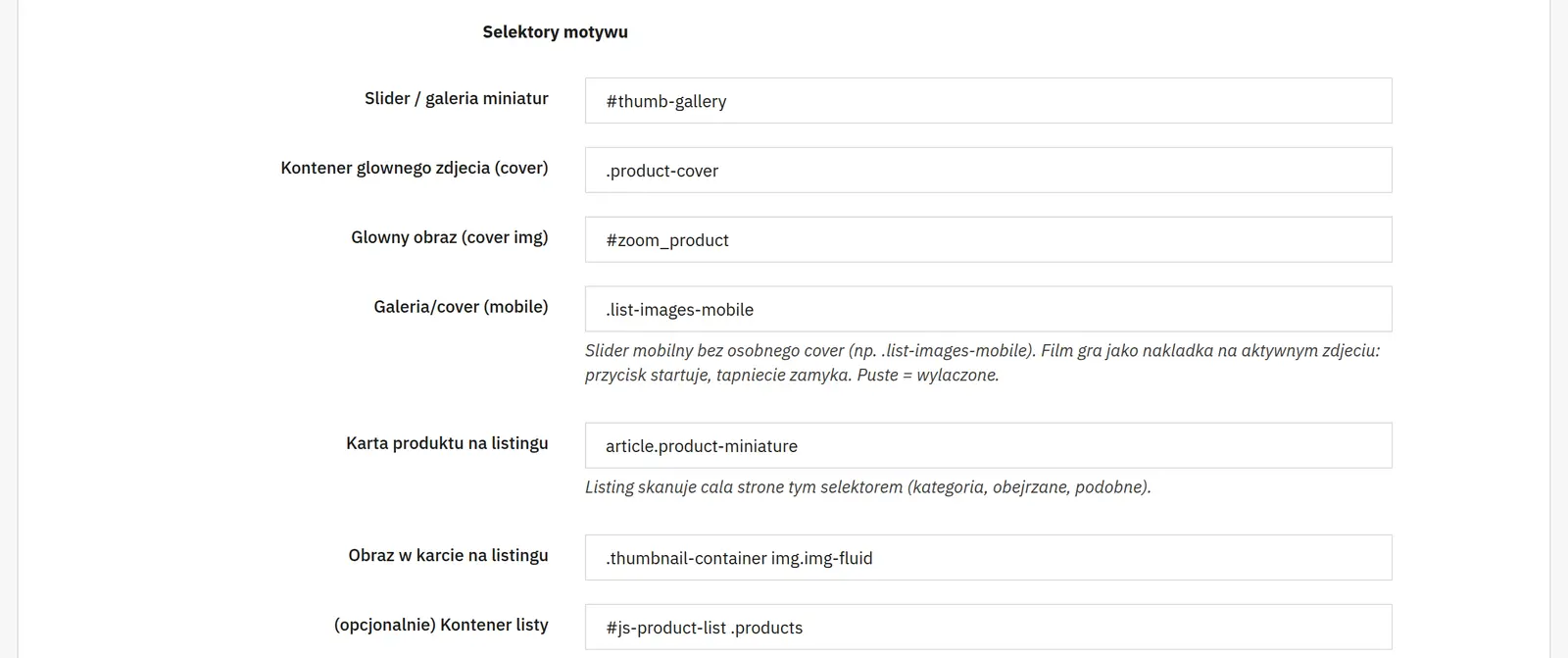
The module lets you configure the selectors used by your theme and the maximum thumbnail height separately for desktop and mobile.

Autoplay only where the video is visible
Automatic playback is limited to the currently visible layout, which helps avoid situations where the video starts off-screen or in a hidden gallery variant.
Who is this module for?
The module is especially useful for fashion, home furnishings, tools, electronics and any product whose operation or look in motion increases purchase confidence.
FAQ
Which video formats does the module support?
MP4 and WebM.
Do you need to prepare a video thumbnail separately?
Not always. The module can generate a poster from a selected video frame in the browser.
Does the video behave differently on a phone?
Yes. On mobile it can be shown as a separate gallery slide, which suits carousel behaviour on small screens better.

What can you configure in the module panel?

01 / Video for a specific product
Video for a specific product
- Variant and file source
- You assign the video to a product or a combination. You choose between uploading files or providing MP4 and WEBM addresses.
- Video poster
- You can provide a cover image URL or generate a frame from the video. The poster represents the video before playback starts.
- Slider, order and play icon
- The switch adds the video to the gallery, the position sets its order, and the play icon highlights that it can be played.
- Autoplay and listing
- You set the muted start on the product page and playback while scrolling the list separately. The activity switch disables a specific video without deleting its data.

02 / Theme integration
Theme integration
- Gallery and main image selectors
- You point to the slider, the large image container and the image itself. This lets the module find the right elements in the theme you use.
- Mobile gallery
- A separate selector handles a mobile slider without the classic large image. An empty field disables this integration variant.
- Tile and image selectors on listings
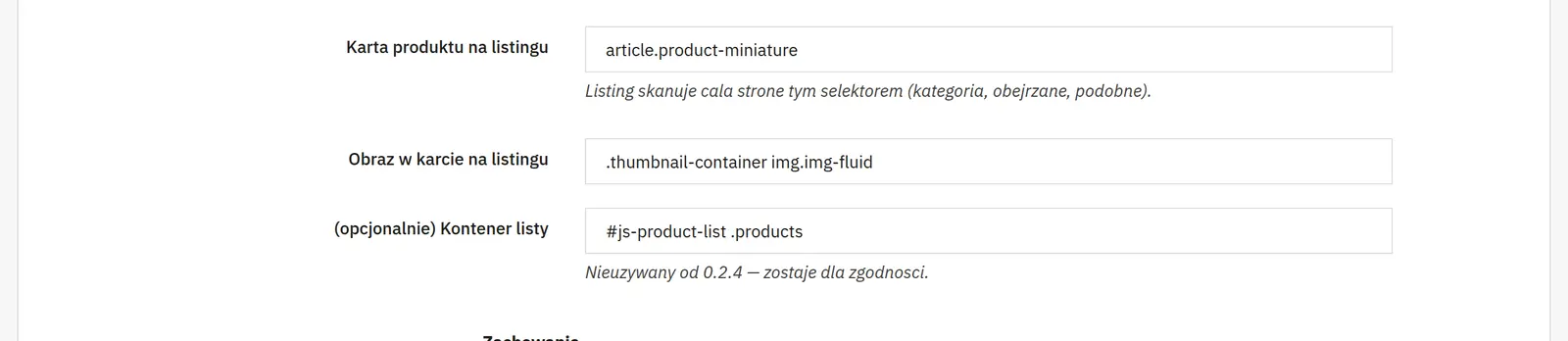
- They define the product element and the image the video should work with. The older whole-list container field remains in the panel for compatibility and has not been used since version 0.2.4.

03 / Loading and thumbnails
Loading and thumbnails
- Number of videos and load-ahead distance
- The limit caps how many videos run on the list at the same time. The pixel look-ahead starts preparing a video before it enters the screen.
- File limit and poster parameters
- The MB limit restricts uploads. The frame second picks the moment in the video, and the maximum side sets the resolution of the generated cover.
- PC and mobile thumbnail height
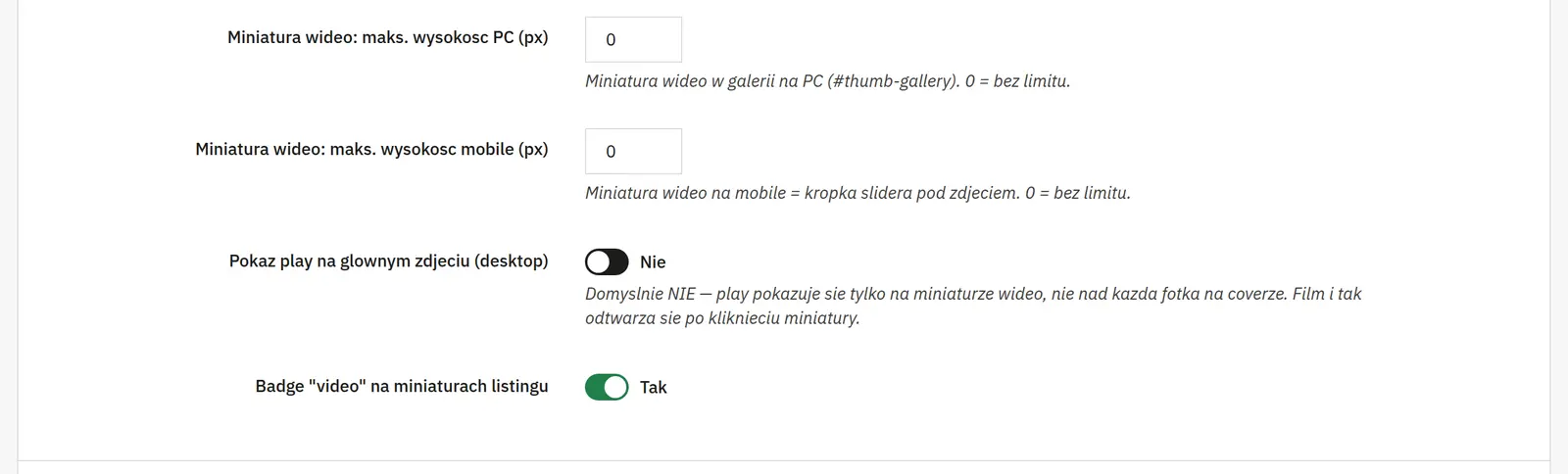
- Independent limits fit the video to both galleries. A value of 0 means no additional limit.
- Play on the main image and listing badge
- You separately enable the button on the large desktop image and the video badge on product tiles.
Data sheet
- Version
- 0.4.12
- Last update
- 2026-10-02
- PrestaShop compatibility
- 9.0 – 9.x
- PHP version
- 7.4 – 8.3
- Languages
- DE, EN, ES, FR, IT, PL
- Multistore
- Not tested
- Cron job
- No
- Core overrides
- No
- Theme compatibility
- Any theme
- External service required
- Not required
- Source code
- Open, no ionCube
- Licence
- 1 shop (domain), no time limit
- Updates
- Free for 12 months
- Technical support
- Free for 6 months
- Delivery time
- Sent automatically by e-mail
- VAT invoice
- Yes
- Returns
- As stated in the terms
- Package size
- 90 kB
- Demo link
- Link
- Documentation
- Link
No customer reviews for the moment.