• On sale!
llms.txt Generator for PrestaShop - AI catalog

llms.txt Generator for PrestaShop - AI catalog

Publish an llms.txt file based on your store catalog. Choose the data, automate updates and control the information shared with AI tools.

  • Version 1.2.2
  • Last update 2026-10-02
  • PrestaShop compatibility 1.7 – 9.x
  • Multistore Not tested
  • Cron job Yes
  • Languages Polski English Français Deutsch Italiano Español
  • Delivery time Sent automatically by e-mail
Pokaż demo Instrukcja
help_outlineAsk about product
llms.txt Generator for PrestaShop - AI catalog

llms.txt Generator for PrestaShop - AI catalog

+48 728 658 005

Zadzwoń lub skorzystaj z formularza poniżej


zł199.00 netto

244,77 zł brutto

Lowest price in the last 30 days: zł150.00

Price history

Regular price Promotional price

Instalacja ⓘZleć mi instalację modułu. Zainstaluję, sprawdzę i zweryfikuję poprawne działanie modułu.

Wsparcie techniczne

Domena ⓘPodaj adres url domeny, na której będzie instalowany nasz moduł.

Quantity

llms.txt generator for PrestaShop - a catalog for AI

Traffic from ChatGPT, Claude, Perplexity and other AI tools is becoming a channel of its own, but the standard PrestaShop dashboard says little about it. It is hard to check which bots visit your store, which products they read and whether assistant-driven sales follow.

Available languages: PL EN FR DE IT ES

AJIT LLMS.txt Generator combines two functions: generating information files for AI crawlers and its own analytics of traffic and sales related to this channel.
Key features of the module

  • llms.txt and llms-full.txt
  • categories, products, brands, new arrivals, specials, CMS and FAQ
  • custom sections and live preview
  • static / dynamic / both
  • CRON and multistore per domain
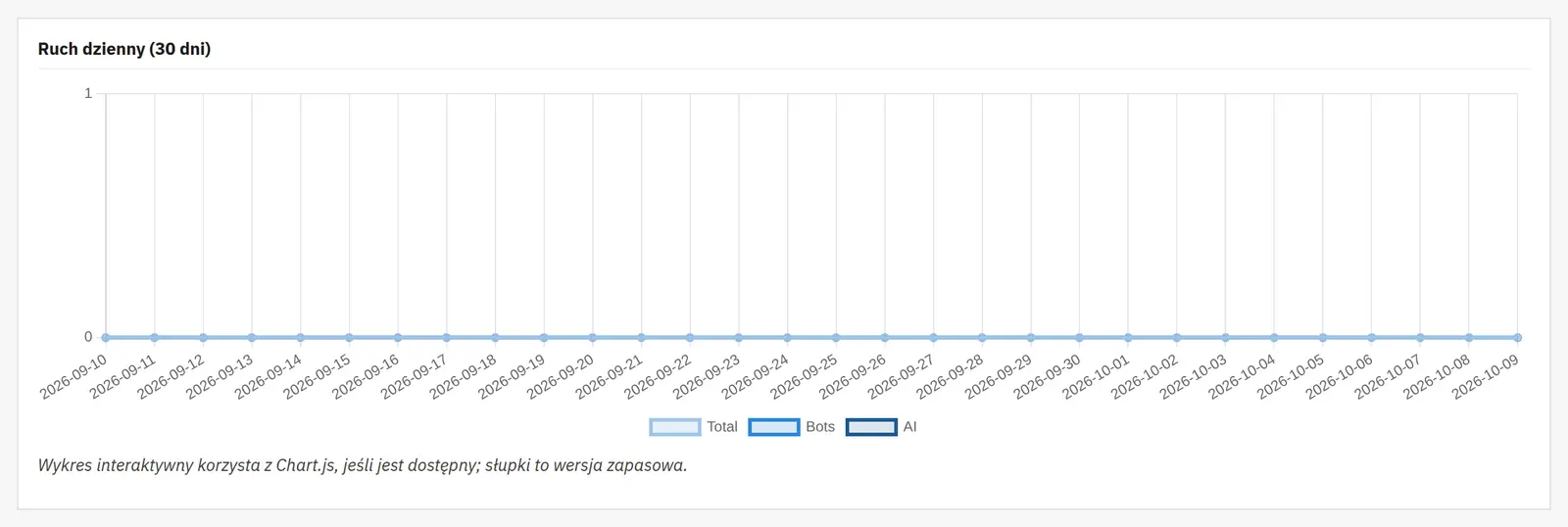
  • log of GPTBot, ClaudeBot, PerplexityBot, GoogleOther etc.
  • bot verification against CIDR
  • product × AI model analytics
  • AI sales attribution from 3 signals
  • revenue, sources, top products and CSV
  • per-product overrides and ETag/304
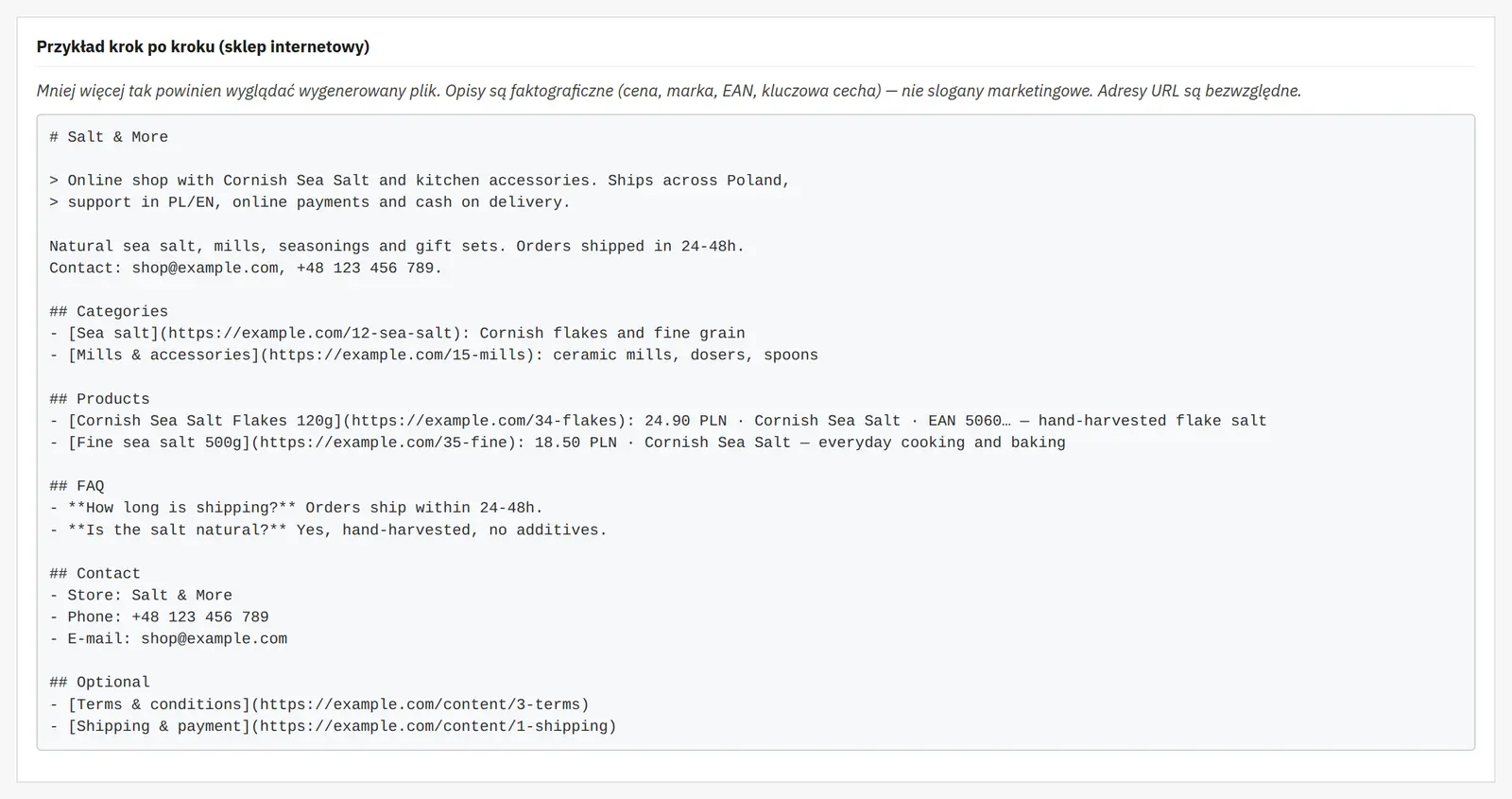
llms.txt and llms-full.txt from your store catalog

llms.txt and llms-full.txt from your store catalog

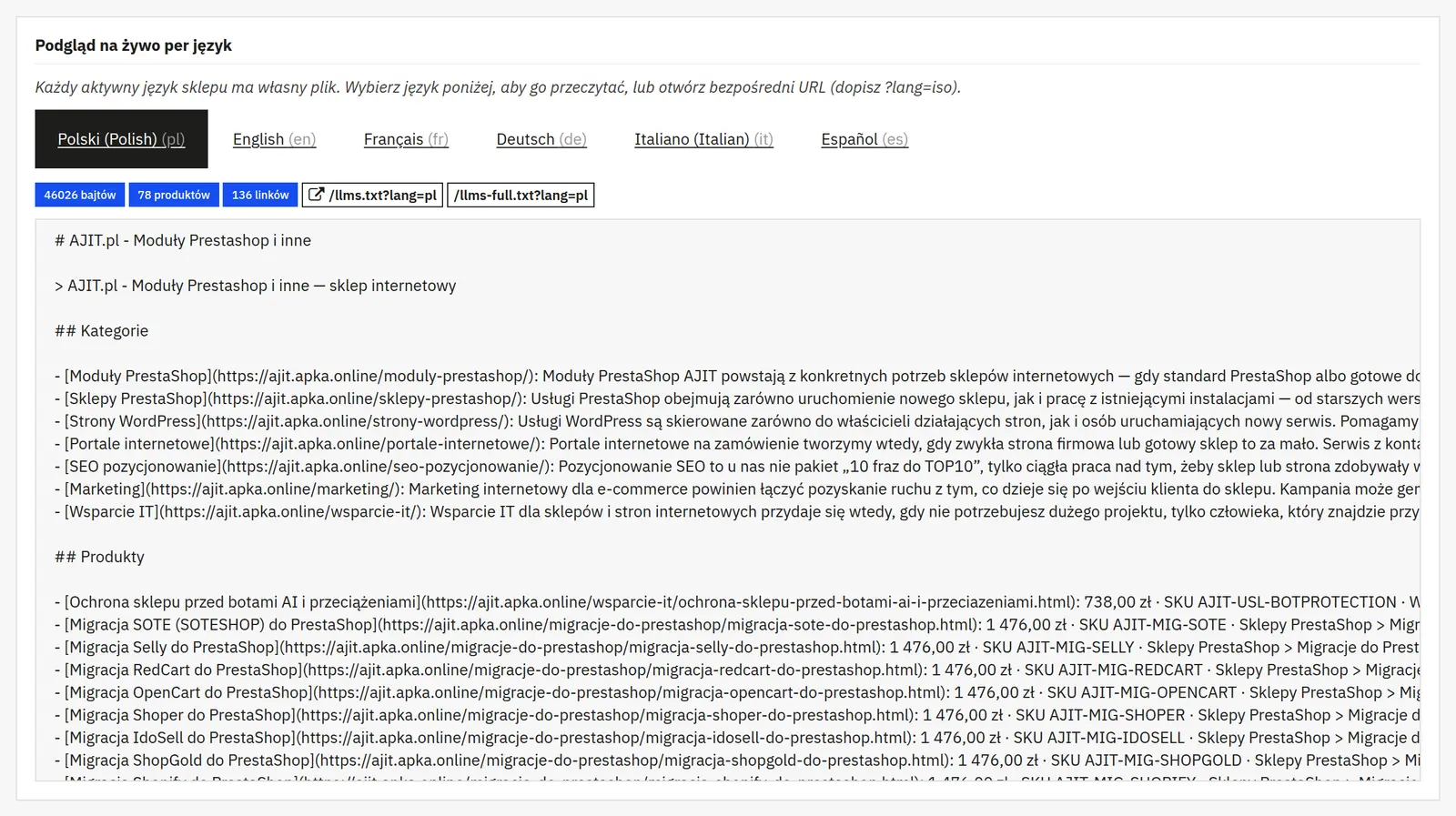
The generator can include categories, products, brands, new arrivals, specials, CMS and FAQ. It offers custom sections at the beginning and end, a wizard with a preview, and a static, dynamic or combined mode. Files can be refreshed via CRON and work separately per domain in multistore.
AI crawler logging and IP verification

AI crawler logging and IP verification

The module recognizes GPTBot, ClaudeBot, PerplexityBot and GoogleOther, among others. Addresses can be verified against the providers' CIDR feeds, so the dashboard distinguishes verified traffic from impersonators.

Product × AI model analytics

Product × AI model analytics

The product × model matrix shows which catalog items are visited by specific crawlers or referral sources. The data can be filtered and sorted.
AI sales attribution

AI sales attribution

The module separates three signals: assistant referrals, UTM and an agent declared in the User-Agent. The AI sales dashboard presents revenue, sources, top products and CSV export. The result is described as a lower bound, to avoid suggesting more precision than the data allows.
Integration with other modules

Integration with other modules

Per-product overrides, a developer hook, ETag/304 and a Polish admin interface are available.

Who is this module for?

It is a tool for stores that want to treat AI as a measurable traffic channel while providing crawlers with well-structured catalog information without maintaining files by hand.

FAQ

Does the module only generate llms.txt?

No. Besides the generator it includes AI crawler analytics, per-product data and sales attribution from assistants.

Can it tell a genuine GPTBot from an impersonating bot?

It has an IP verification mechanism based on the CIDR feeds of supported providers.

Does it work in multistore?

Yes. The generator can work per store domain.

Requirements and configuration

Publishing llms.txt does not guarantee presence or recommendations in AI model answers.
What can you configure in the module panel?

File publication

01 / File publication

File publication

Activity and write mode
You enable generation, choose the publication method and the optional llms-full file. The full description mode defines the scope of content in the extended file.
Languages and store profile
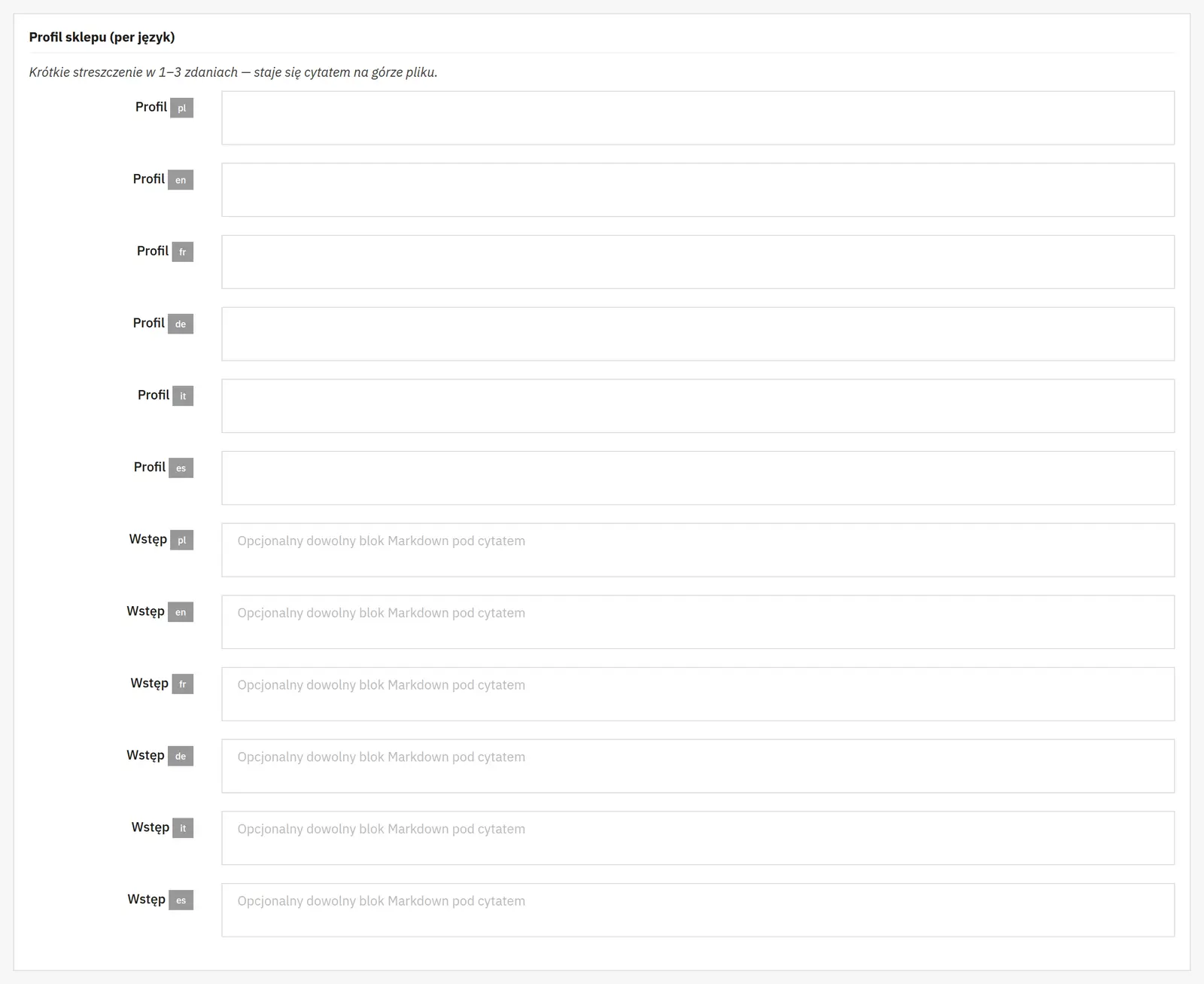
The language list defines the versions of the generated data. For each language you can prepare a store profile and check a preview of the result before publishing.
Catalog and sections

02 / Catalog and sections

Catalog and sections

Products and order
You enable the catalog, choose the sorting and a limit of up to 500 products. Separate filters narrow the result to available, discounted or new items; the number of days defines the new-arrival period.
Scope of product data
You separately select the price, its presentation basis and currency, the short description, SKU, EAN, brand, category path and features. This way the file can be a short index or a richer source of information.
Additional sections
The switches cover categories, brands, new arrivals, specials, CMS, FAQ, contact and resources. Limits for new arrivals, specials and brands keep the length in check; the specified category and CMS IDs select particular content.
Exclusions
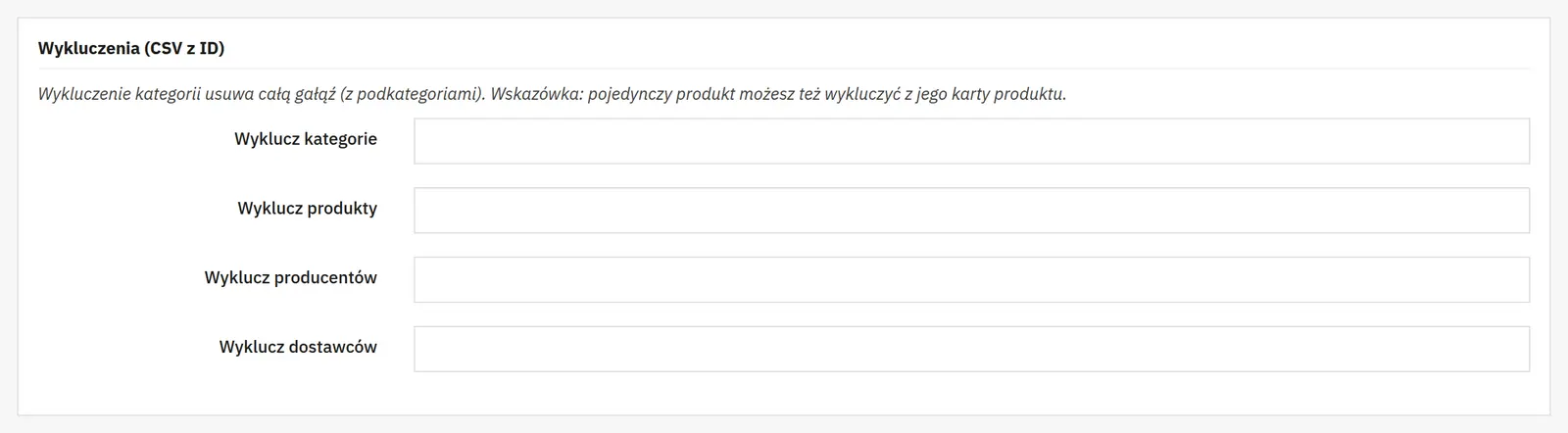
Lists of product, category, manufacturer and supplier IDs remove the indicated items from the generated set. They do not change the availability of those products in the store.
Custom content

03 / Custom content

Custom content

FAQ and Markdown
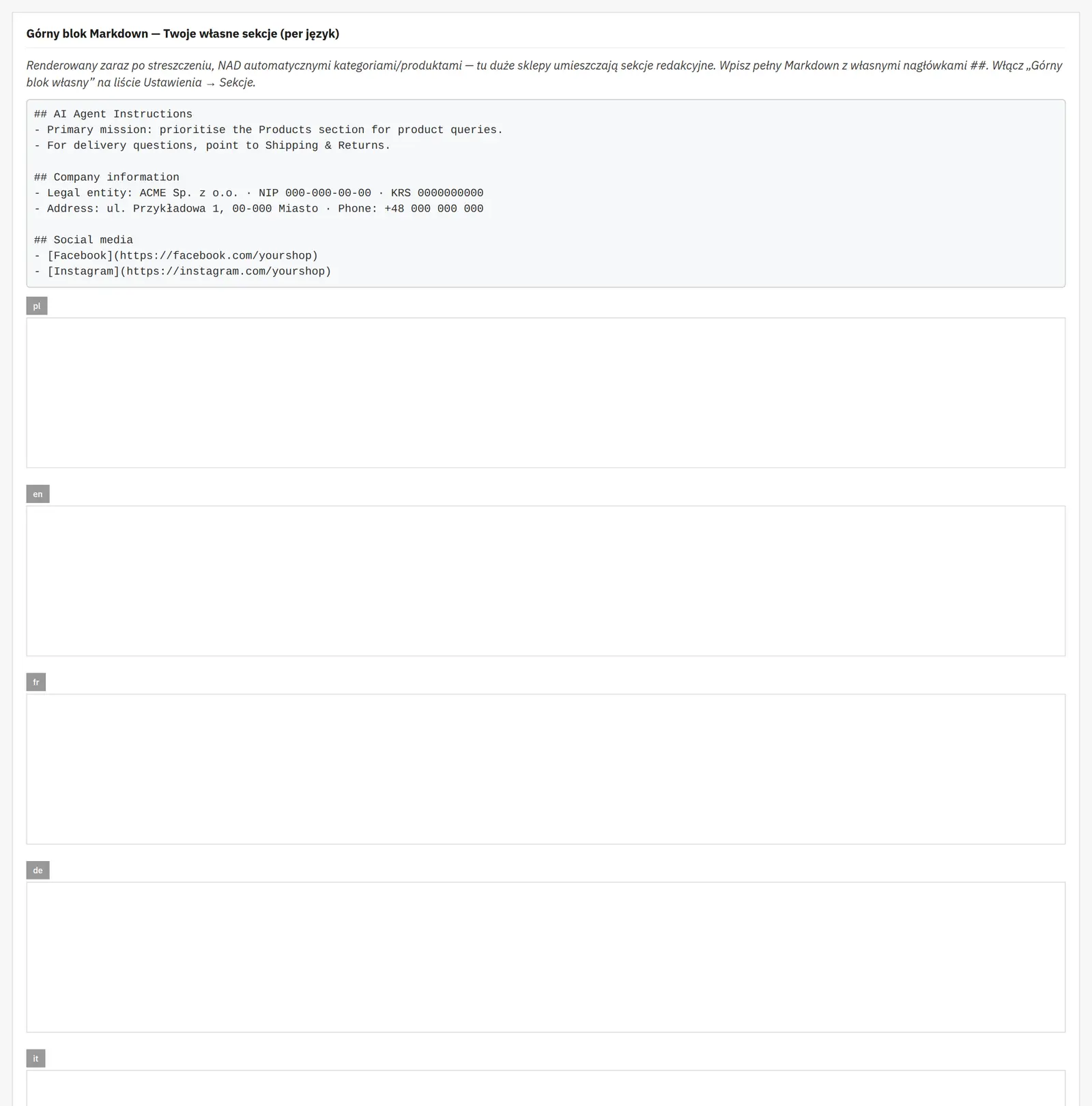
FAQ in JSON format and additional Markdown content at the beginning and end of the file complement the automatic catalog. You prepare them separately for each language version.
Company data
The wizard covers the name, registration data, address, phone, e-mail and social profiles. Publish only information intended for public release.
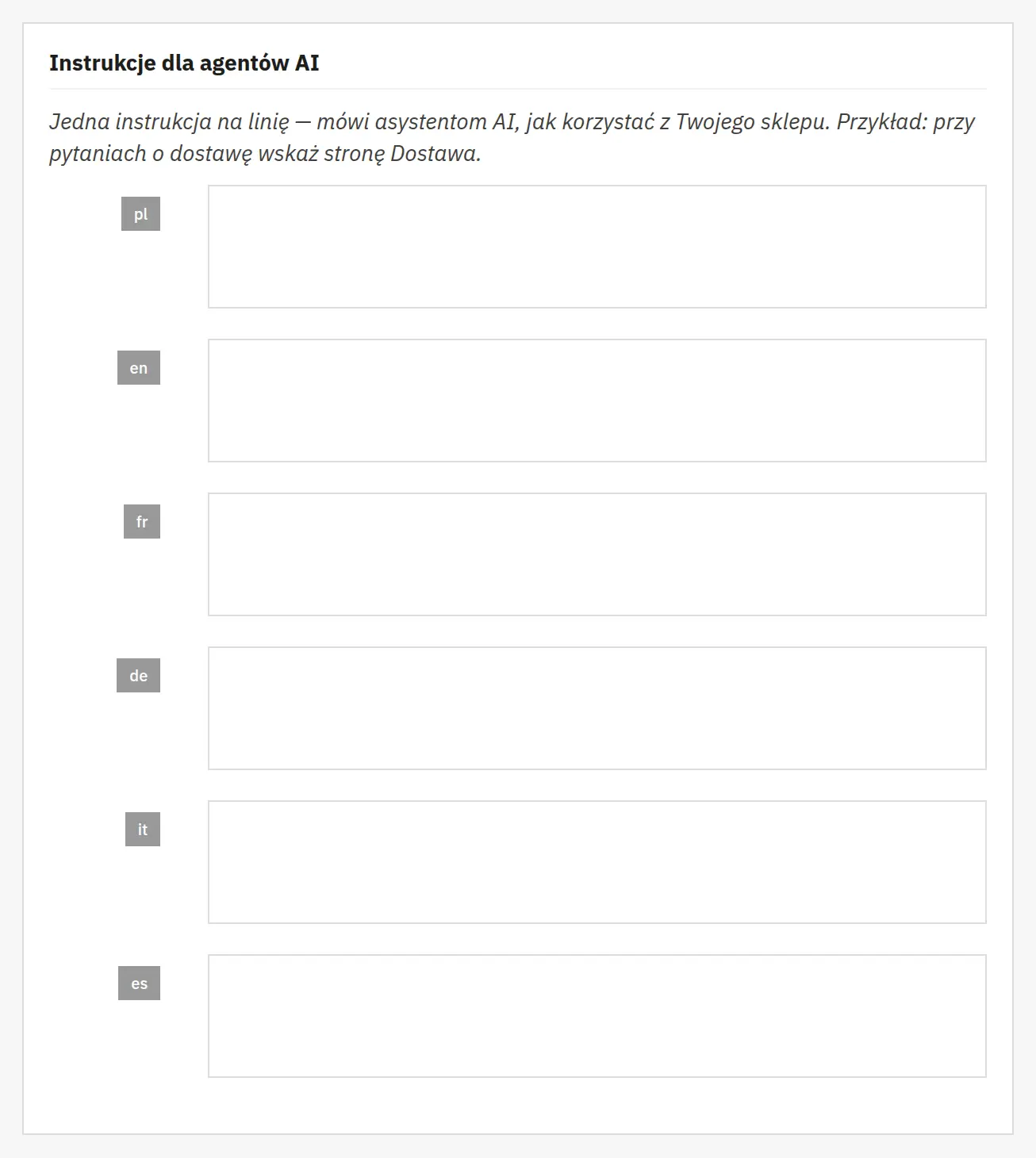
Hints for AI and file discovery
The brand description and instructions are file content; they do not force AI model behavior. The robots information option helps point to the resource but does not guarantee its use or citations of your store.
Automation

04 / Automation

Automation

CRON and generation interval
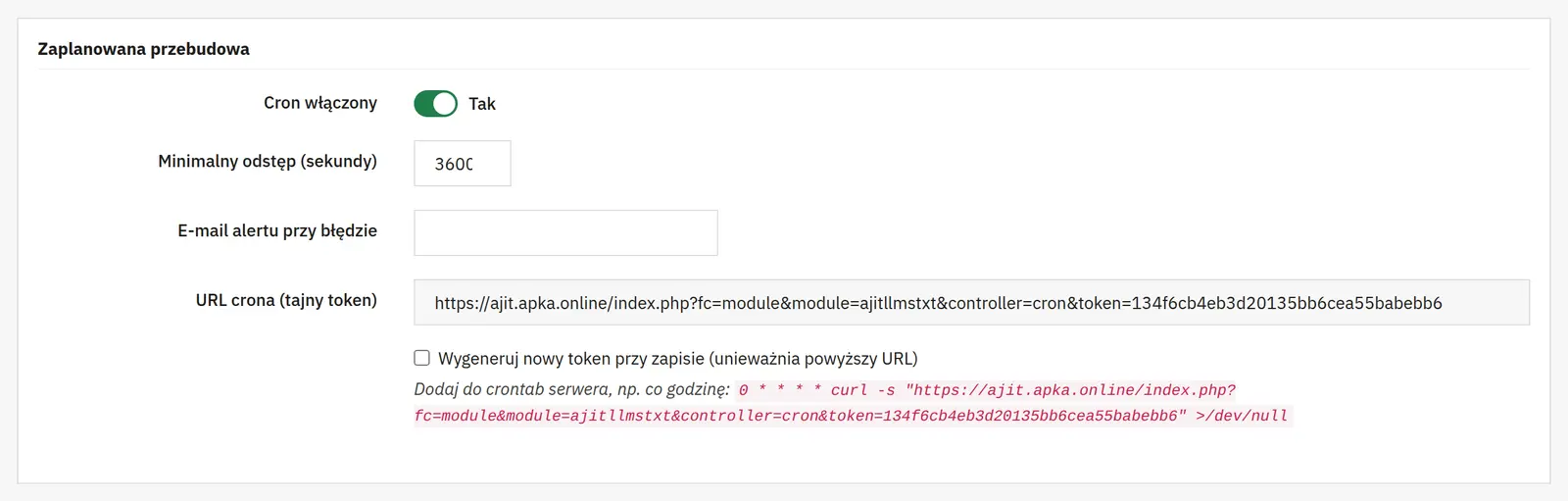
You enable scheduled refreshing and a minimum interval in seconds. A private URL triggers the job, and an alert address receives error notifications. Changing the token invalidates the previous job address.
Import, export and status
The configuration can be exported and imported. The build status and request statistics help verify operation; after migrating the configuration, reassess the scope of published data.
Bots and statistics

05 / Bots and statistics

Bots and statistics

Traffic logging
You separately enable bot logging, including humans, and product analytics from bot visits or referrals. Retention limits storage; 0 keeps the history indefinitely.
IP addresses and proxy
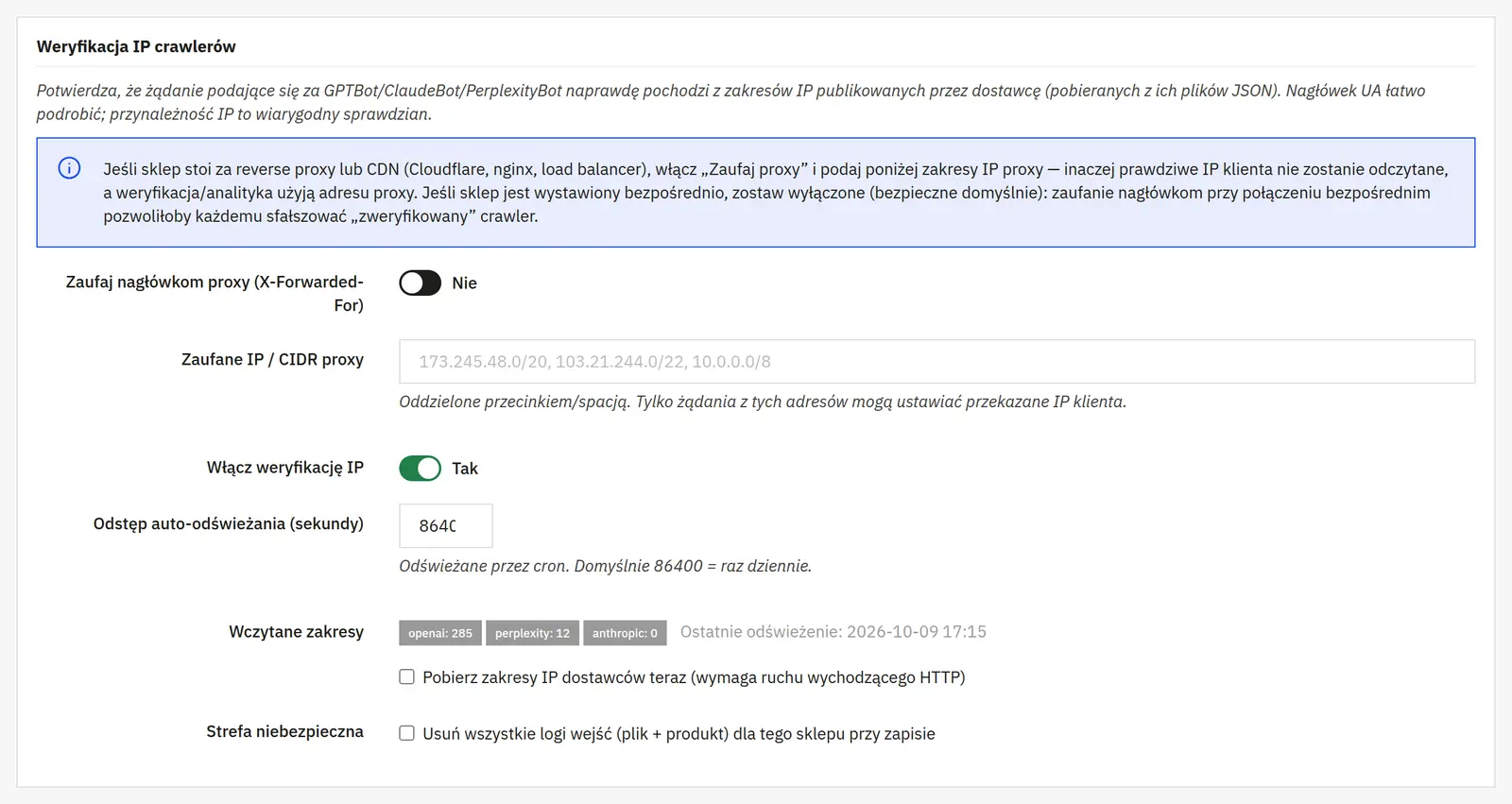
Proxy headers should be accepted only from trusted addresses or CIDR ranges. IP verification, downloading provider ranges and their refresh frequency help assess bot recognition.
History deletion
The clear-all-hits action removes the collected statistics. Export or back up the data before using it; deletion is not a view filter.
AJIT-LLMSTXT

Data sheet

Version
1.2.2
Last update
2026-10-02
PrestaShop compatibility
1.7 – 9.x
PHP version
8.0 – 8.3
Languages
DE, EN, ES, FR, IT, PL
Multistore
Not tested
Cron job
Yes
Core overrides
No
Theme compatibility
Any theme
External service required
Not required
Source code
Open, no ionCube
Licence
1 shop (domain), no time limit
Updates
Free for 12 months
Technical support
Free for 6 months
Delivery time
Sent automatically by e-mail
VAT invoice
Yes
Returns
As stated in the terms
Package size
221 kB
Demo link
Link
Documentation
Link

No customer reviews for the moment.

Related Products ( 4 other products in the same category )